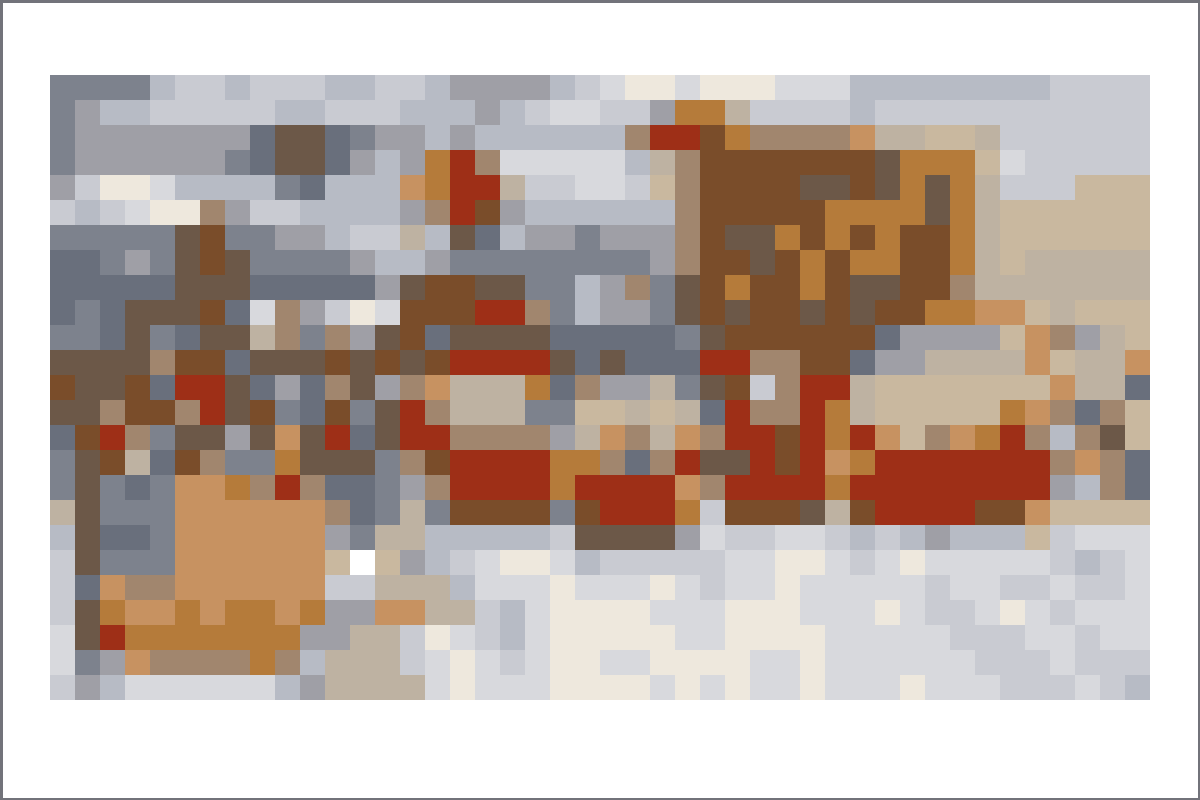
焦点をひとつ選ぶ。
シーングリッドはキャラクター、看板、動き、タイトル形状のどれかを中心に組み立てます。変換前に余分な背景を減らすと、コピーしやすくなります。
 リビング・ザ・グリッドトモダチライフピクセルアートツール
スクリーンショット、タイトルカード風の場面、部屋の構図、複数キャラクターの参考に使えるトモダチライフ用シーングリッドです。
シーングリッドでは背景、小物、キャラクターがセルを取り合うため、強い焦点が必要です。まず被写体を切り抜き、まだ読める場合だけ48x48を使います。
Open any recipe page for grid size, palette mode, copying notes, and a direct グリッドメーカー setup link.
Use these notes to choose a cleaner source image, pick the right grid size, and avoid noisy パレットハウス copies.
シーングリッドはキャラクター、看板、動き、タイトル形状のどれかを中心に組み立てます。変換前に余分な背景を減らすと、コピーしやすくなります。
Scenes often include shadows, furniture, crowds, or scenery. Reduce those areas into larger color blocks before exporting the final numbered pattern.
Work from the main silhouette outward: subject first, large background blocks second, then small highlights or props at the end.
多くのシーン参考には48x48を使います。強い形がひとつあり背景が少ない場合は、32x32のほうがきれいで速くコピーできます。
Yes. A tighter crop usually improves scene grids more than increasing the grid size, because it gives important shapes more cells.
Choose a bright frame, reduce similar colors, simplify the background, and check the plain preview before copying the numbered pattern.