Choose a bold silhouette.
Small icon grids need a shape that still reads when details disappear. Crop around the main mark and remove background clutter before converting.
 Living the GridTomodachi Life Pixel Art Tool
Browse Tomodachi Life pixel grid icons for logos, faces, symbols, badges, and small Palette House references.
Icon grids work best when the source has a strong silhouette, a limited palette, and bold contrast. Start with 24x24 or 32x32 before increasing detail.
Open any recipe page for grid size, palette mode, copying notes, and a direct Grid Maker setup link.
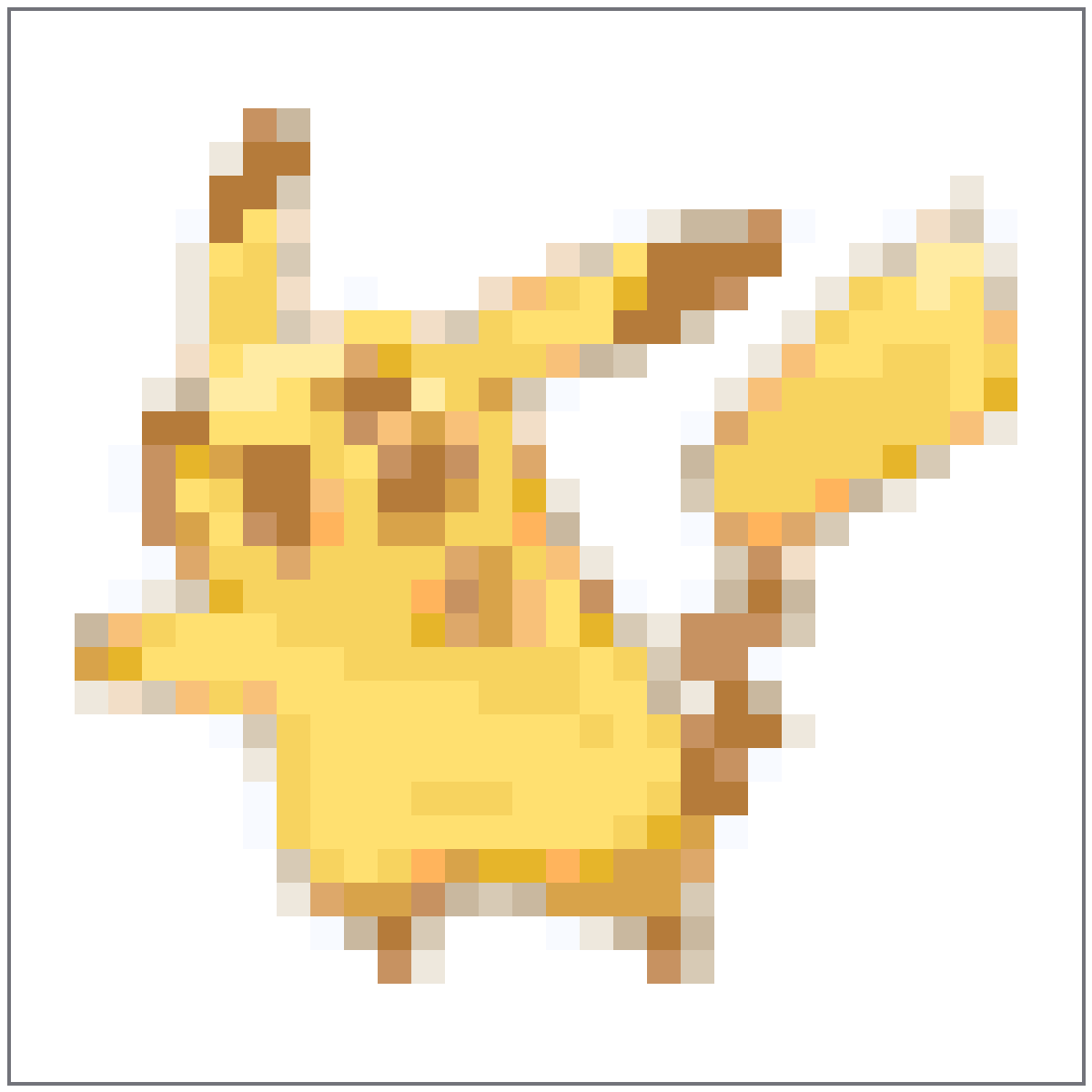
A compact character icon with yellow blocks, brown accents, and a simple cheerful silhouette.
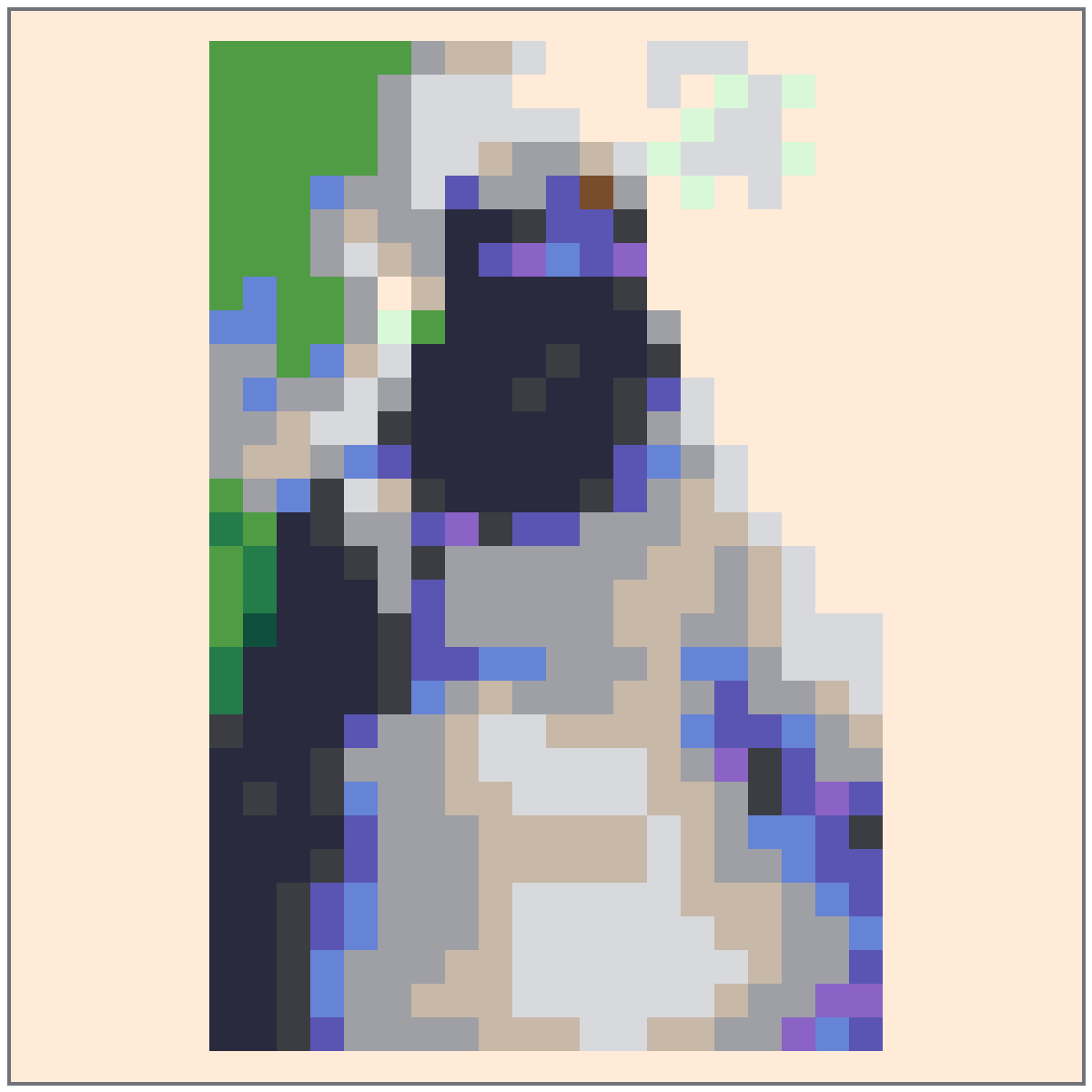
A dark helmet reference that uses gray highlight blocks to keep the mask readable.
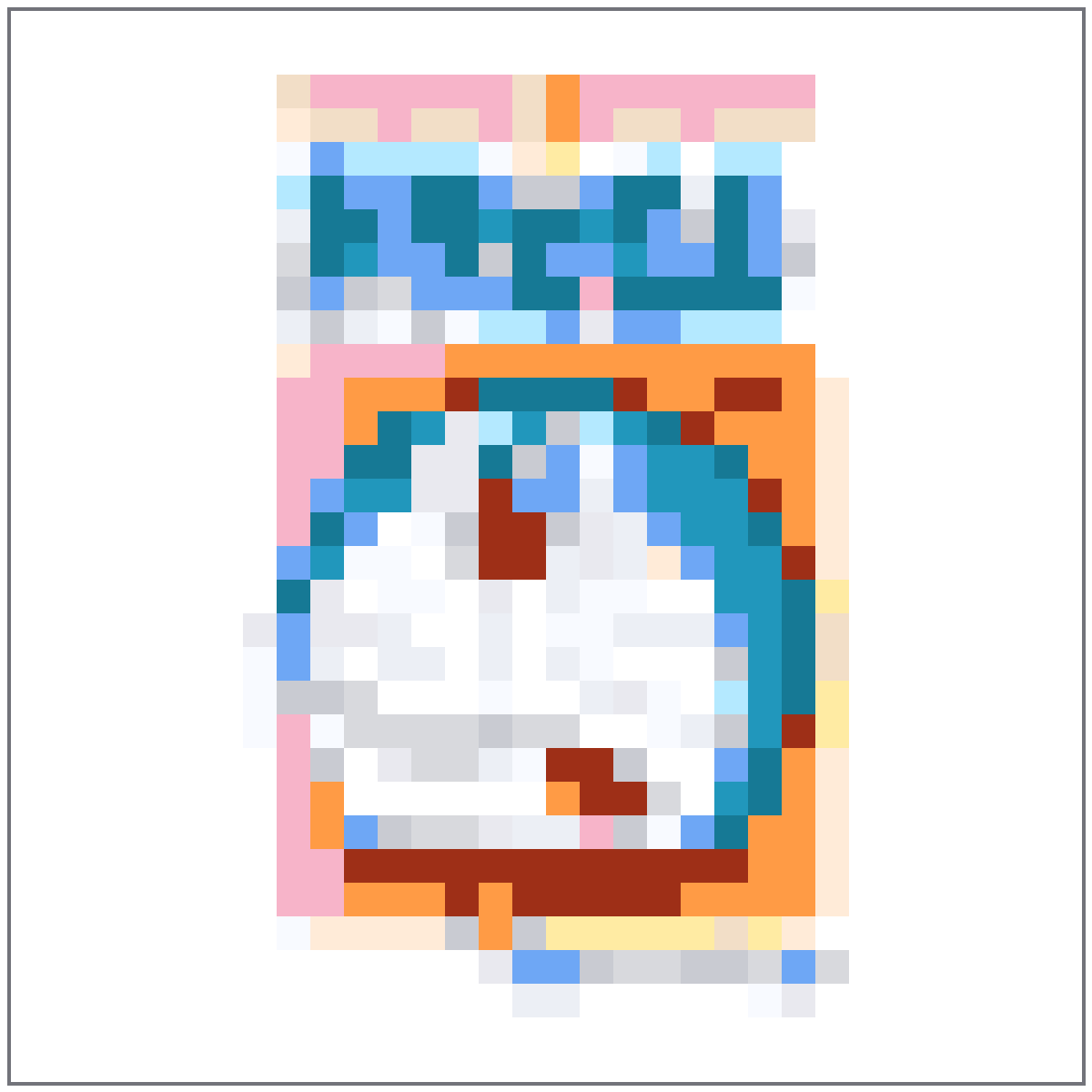
A compact icon reference that keeps the blue head, white face, and red nose readable.
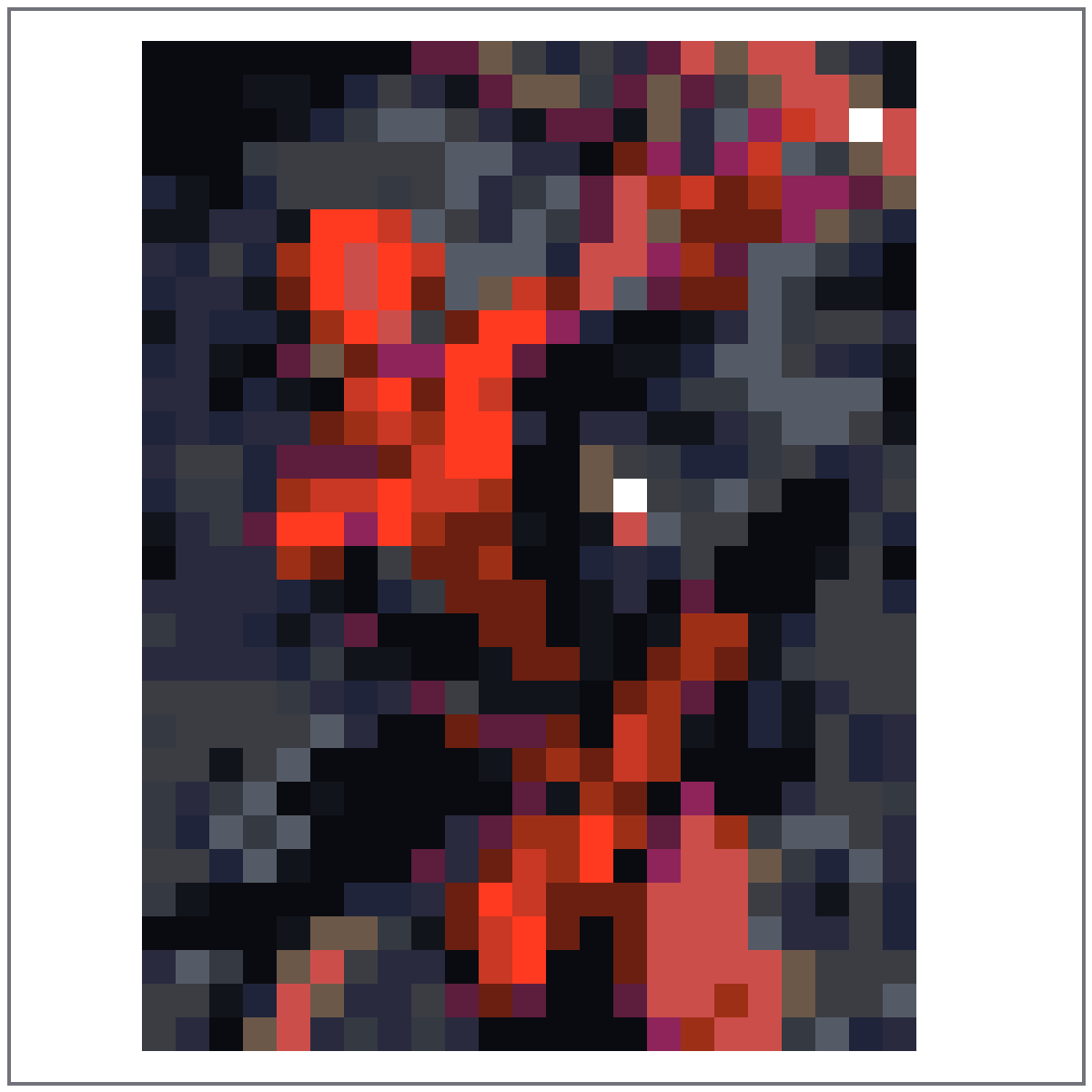
A small mask reference that preserves red fields, dark web lines, and bright eye shapes.
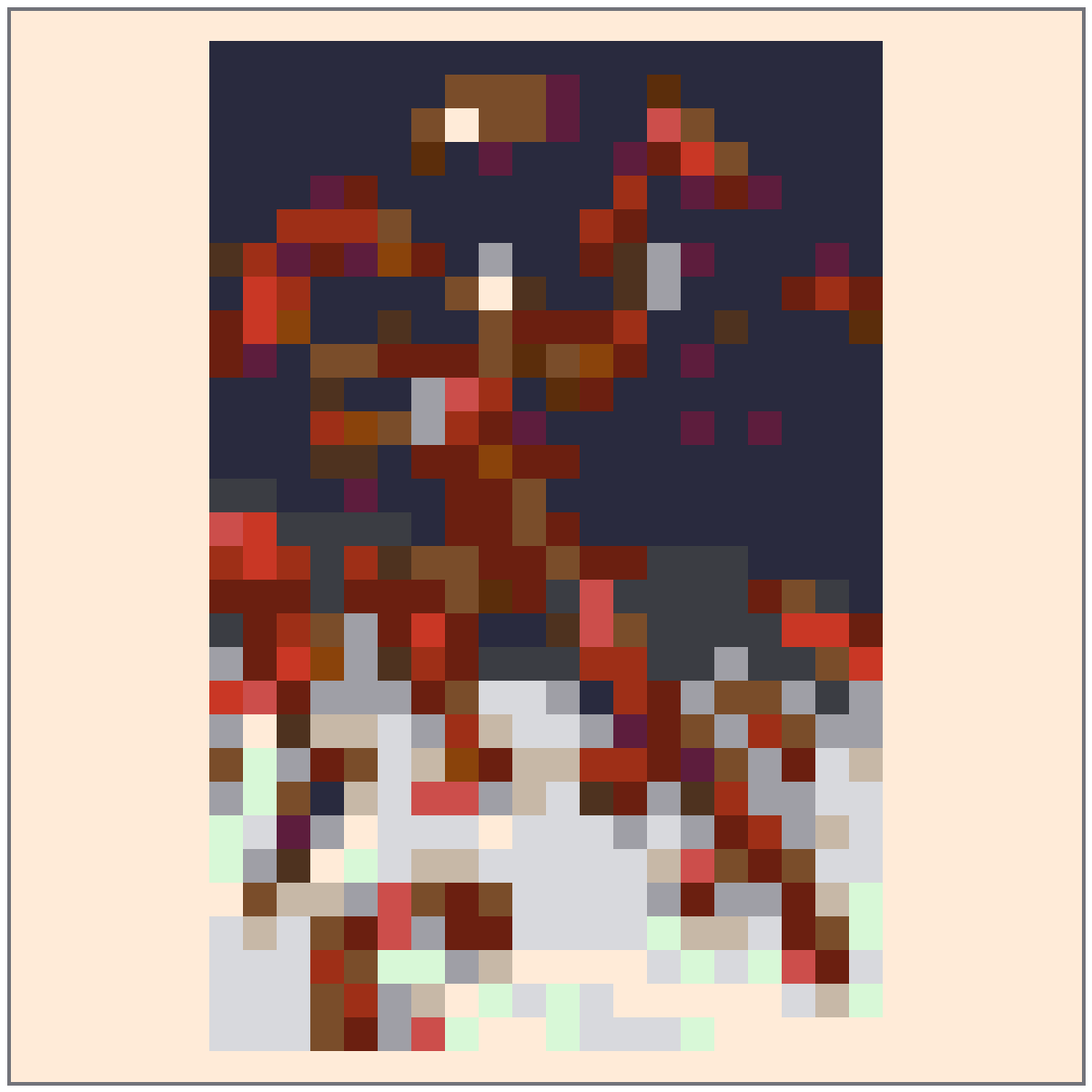
A helmet icon reference using high-contrast reds, golds, and dark outline blocks.
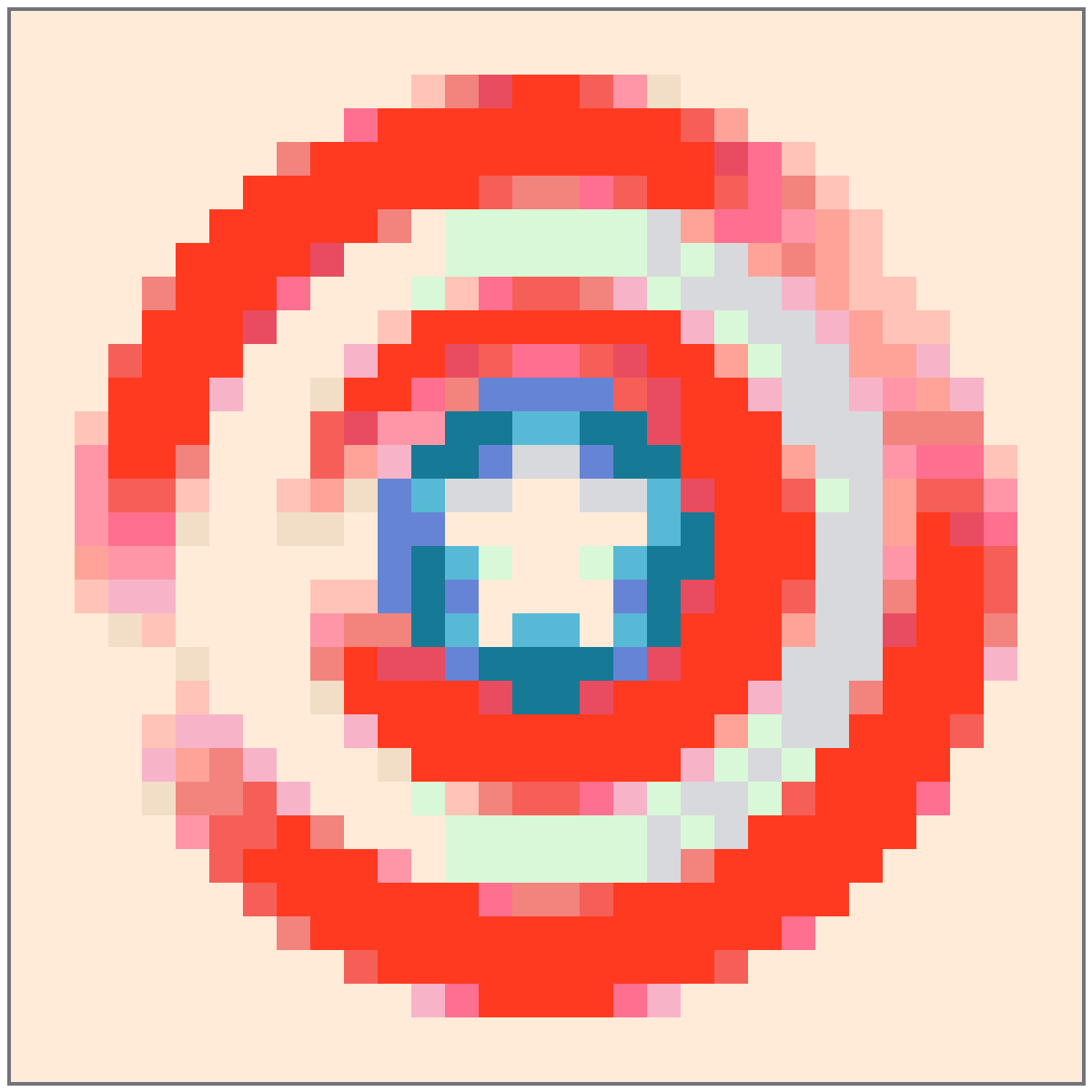
A circular shield reference with bold rings and a centered star for quick icon copying.
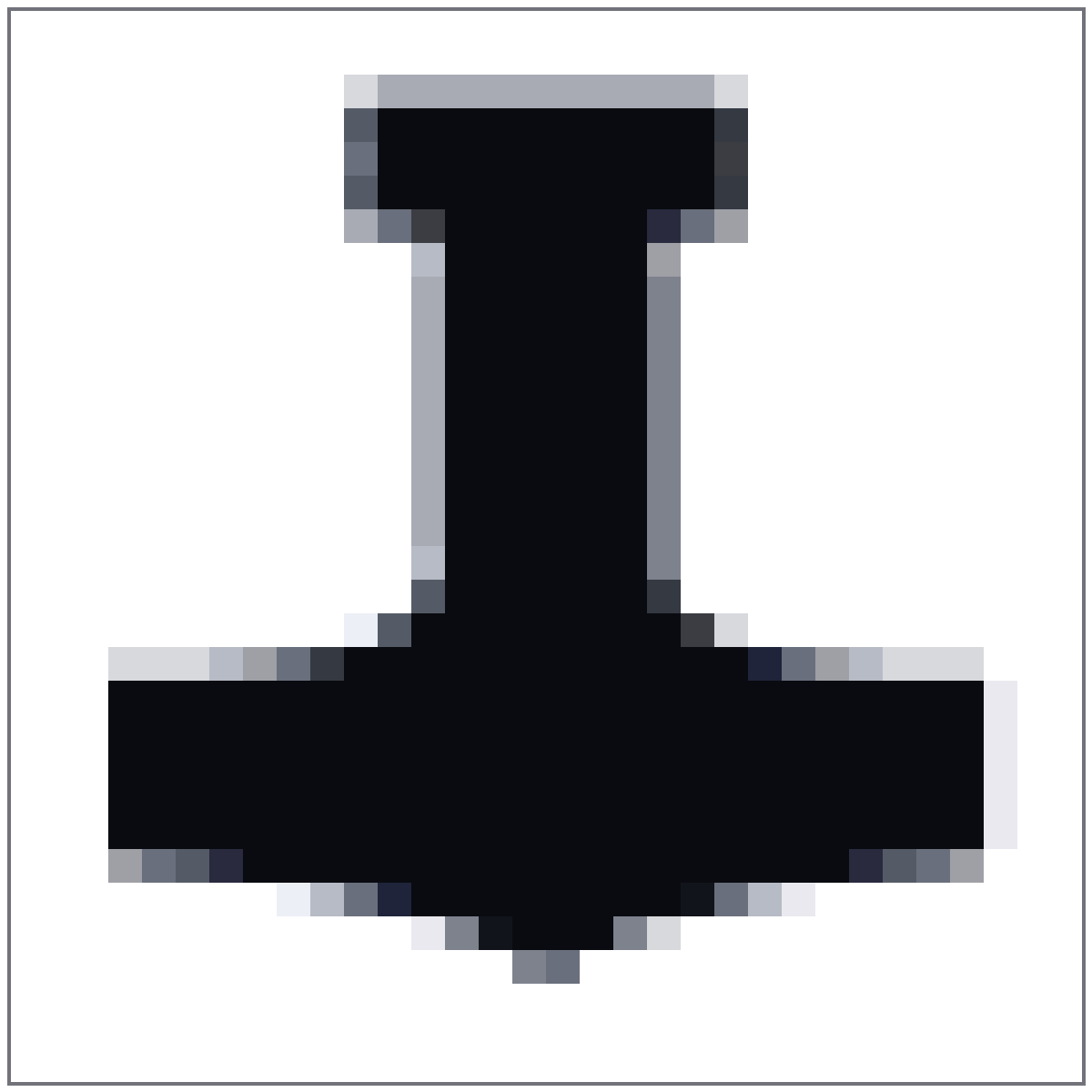
A compact hammer icon reference with a simple handle, metallic head, and readable outline.
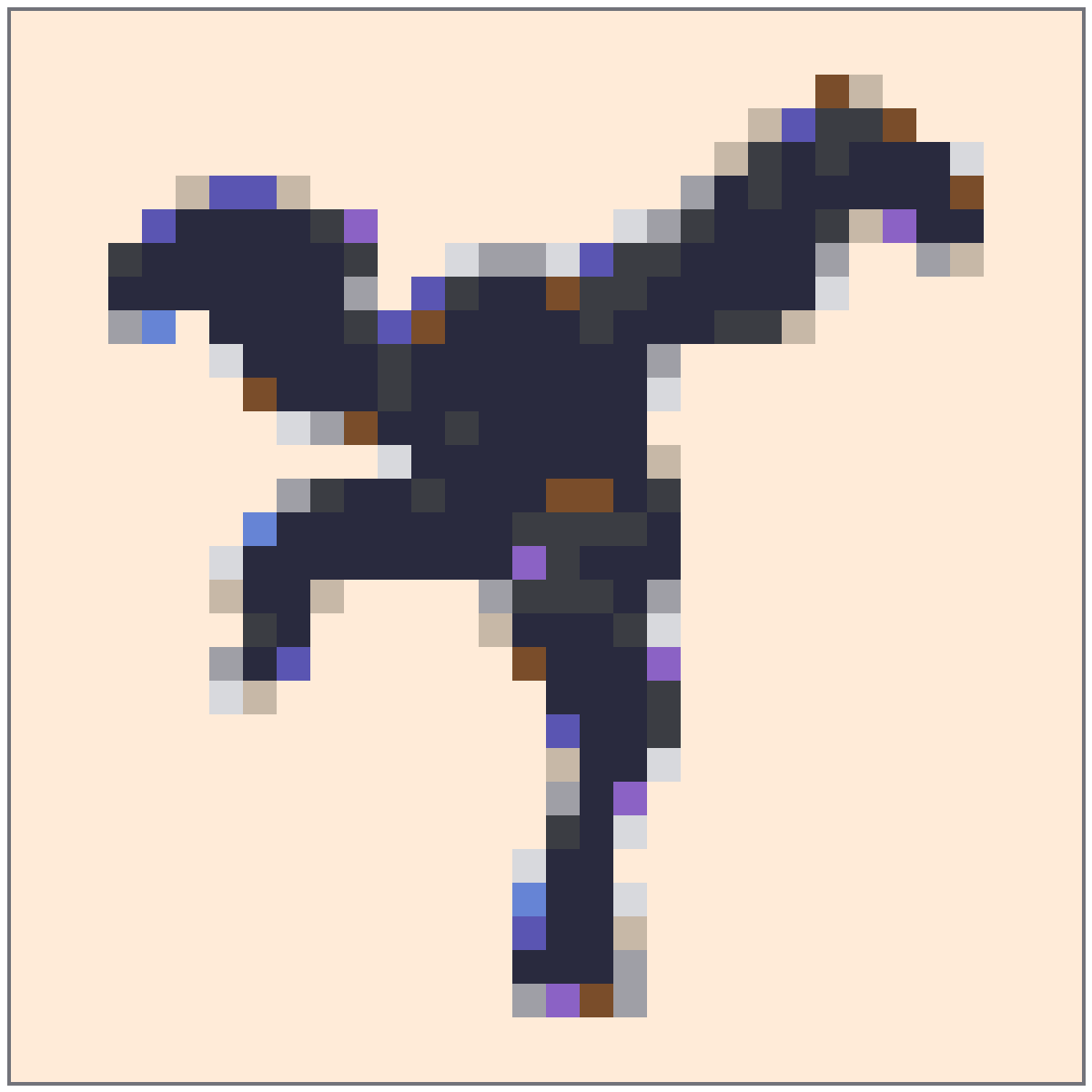
A dark mask reference that relies on sharp highlight pixels and a tight silhouette.
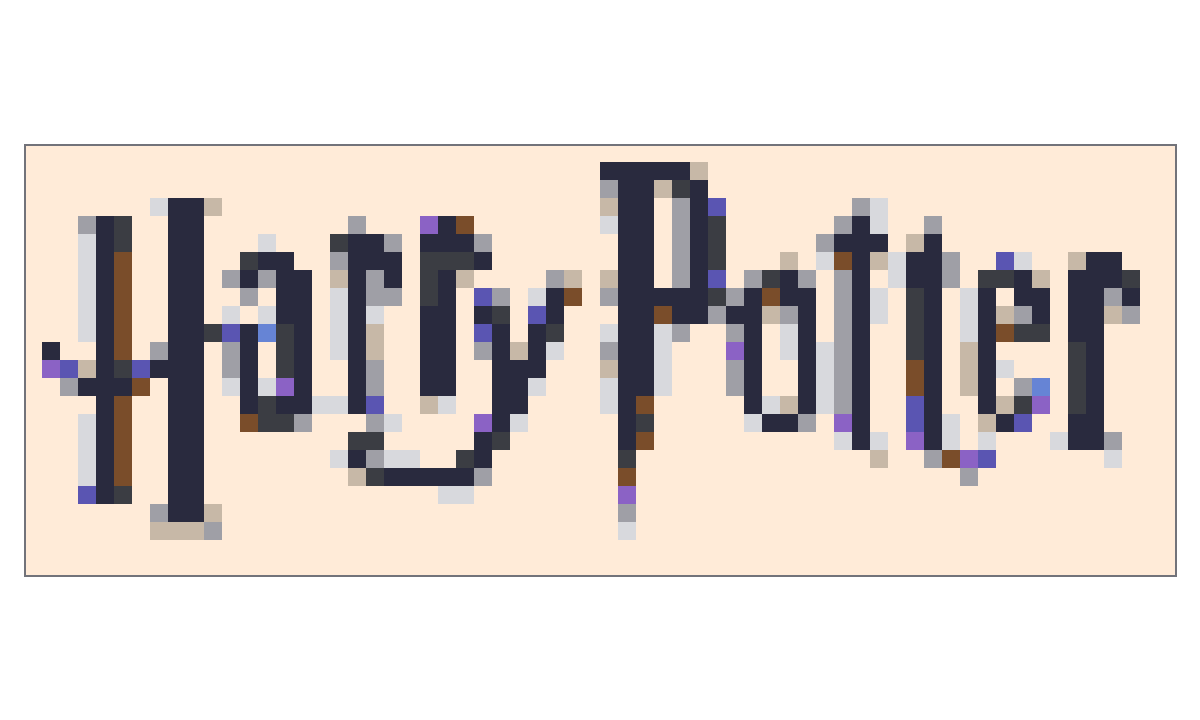
A wide logo reference with dark lettering and bright negative space for a clean wall-art pattern.
A blocky green face reference that maps naturally to a small square icon grid.
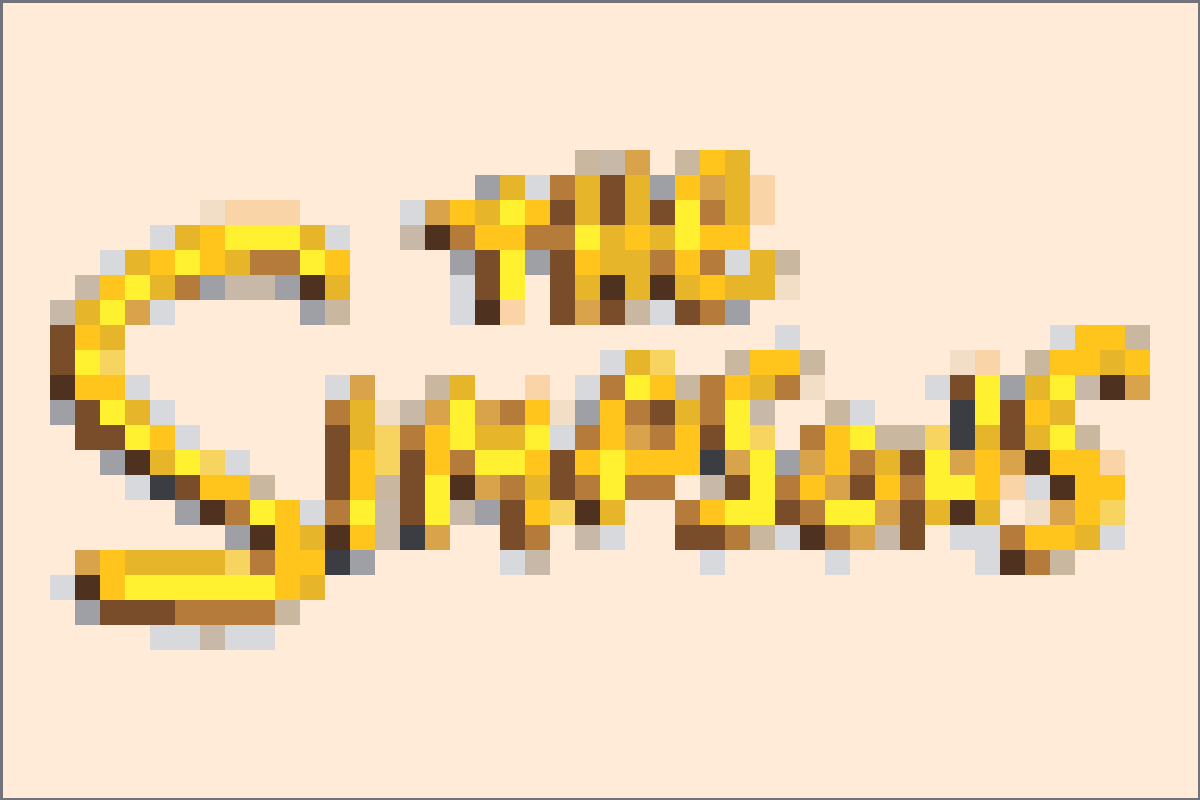
A bright yellow logo reference simplified into readable word shapes and clean background blocks.
A square title-logo reference with bubbly blue and yellow shapes preserved for small-grid copying.
A light blue title-card reference with soft contrast and simple friendly letter shapes.
A cute character-face reference with simple white, blue, and pink blocks for fast icon copying.
A clean logo reference with the full wordmark held inside the square canvas instead of clipped at the edge.

A round pink character icon with simple eyes, feet, and outline blocks for a compact square grid.
A wide logo reference with the full wordmark contained for poster or wall-art copying.
A wide animated-series logo reference with the full wordmark preserved against a warm background.
A chemistry-style logo reference with green letter blocks and the full title kept inside the frame.

A teal title-logo reference with thick outlines and rounded letters reduced into chunky pixels.
A curved sci-fi logo reference with orange and purple letter clusters for a wide grid.
A round logo reference with concentric red, orange, and black rings kept legible in pixel form.
A saturated game-logo reference with orange lettering and blue shadows simplified into bold blocks.
A heavy metal-style logo reference with the full wordmark placed on a light pixel canvas.
A fantasy game-logo reference with thin decorative type kept complete on a wide light canvas.
A dark-and-gold game-logo reference centered for a clean wide-format pixel pattern.

A clean emblem-and-wordmark reference with orange, gray, and dark shapes on a light background.
A sharp esports-logo reference with red symbol shapes and compact title lettering.
Use these notes to choose a cleaner source image, pick the right grid size, and avoid noisy Palette House copies.
Small icon grids need a shape that still reads when details disappear. Crop around the main mark and remove background clutter before converting.
Most logos, badges, and face icons look cleaner at a smaller size. Increase to 48x48 only when the outline or lettering becomes unreadable.
Use a tighter max-color setting for icons so the finished grid has strong blocks instead of scattered single-cell noise.
Use 24x24 for very simple symbols and 32x32 for most icon references. Try 48x48 only for detailed logos or character faces.
Usually no. Crisp icons and logos copy better with clean flat colors, while dithering can make small shapes harder to follow.
No. These recipes are manual Palette House references. Open an item in Grid Maker, then copy the numbered or plain grid by hand.