Выберите четкий силуэт.
Маленьким иконкам нужна форма, которая читается даже без мелких деталей. Обрежьте изображение вокруг главного знака и уберите лишний фон.
 Living the GridTomodachi Life Инструмент пиксельной графики
Просматривайте пиксельные иконки Tomodachi Life для логотипов, лиц, символов, значков и небольших референсов Palette House.
Иконки лучше всего работают с сильным силуэтом, ограниченной палитрой и четким контрастом. Начните с 24x24 или 32x32 перед увеличением детализации.
Open any recipe page for grid size, palette mode, copying notes, and a direct Создатель сетки setup link.
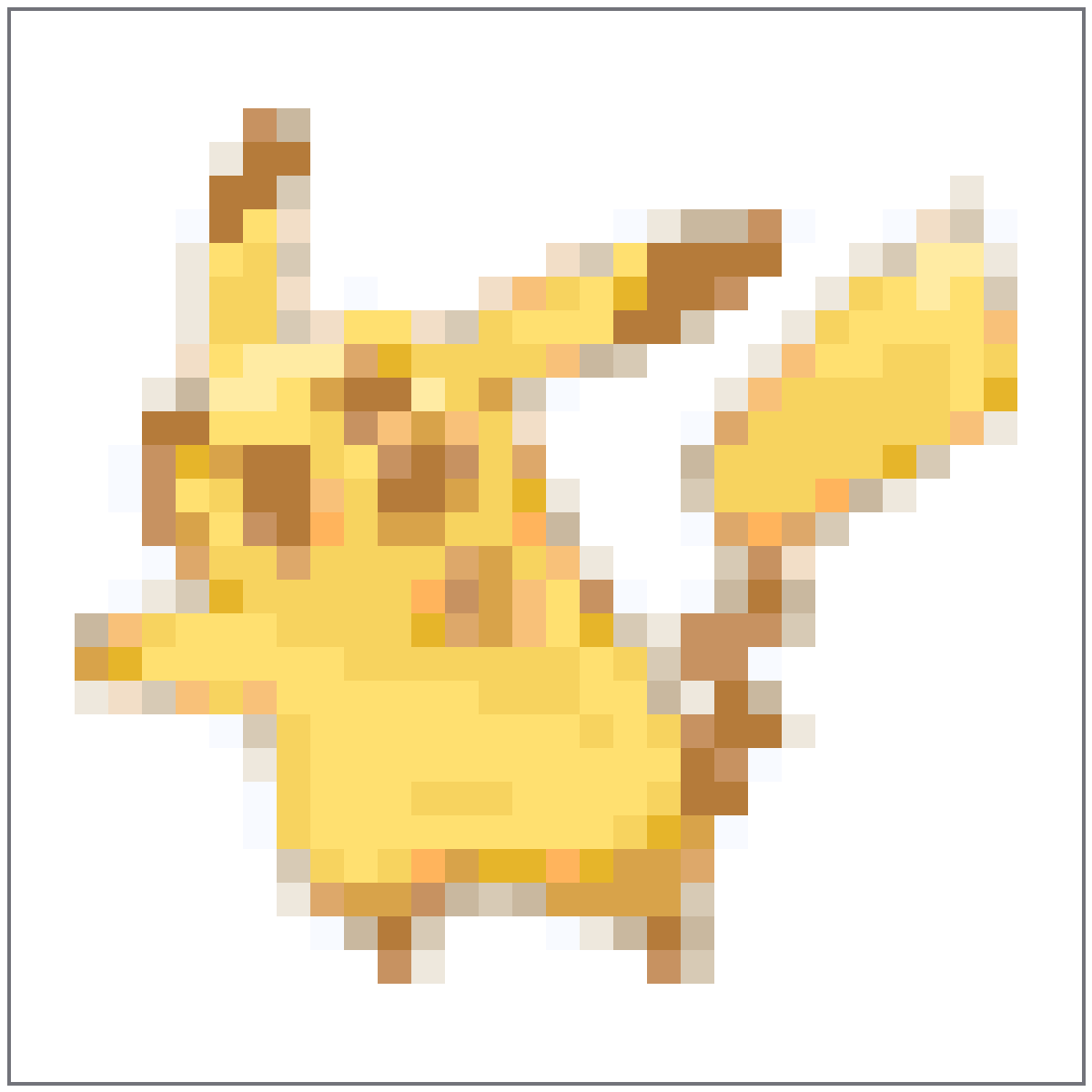
Компактная иконка персонажа с желтыми блоками, коричневыми акцентами и простой веселой силуэтной формой.
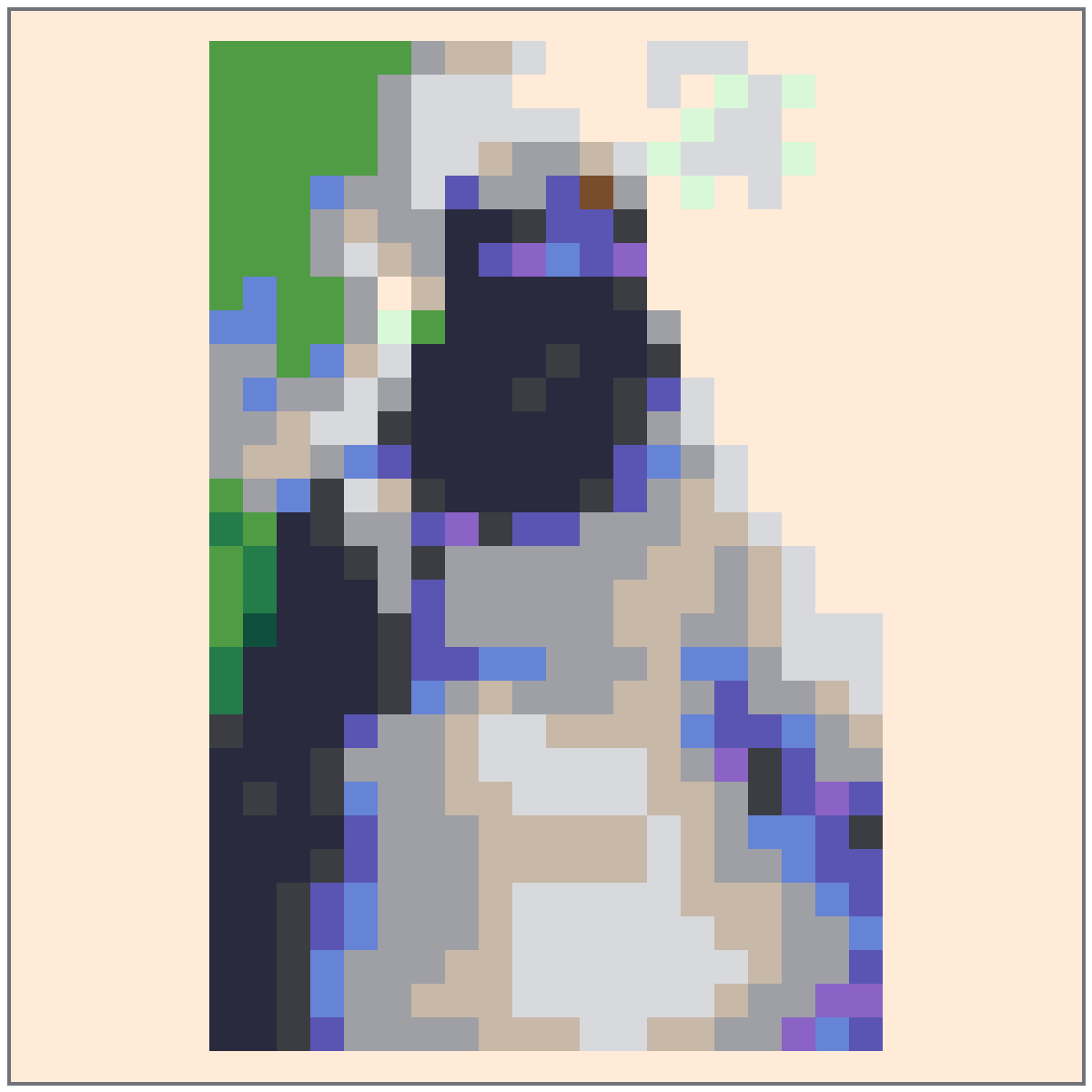
Темный референс шлема с серыми блоками бликов, чтобы маска оставалась читаемой.
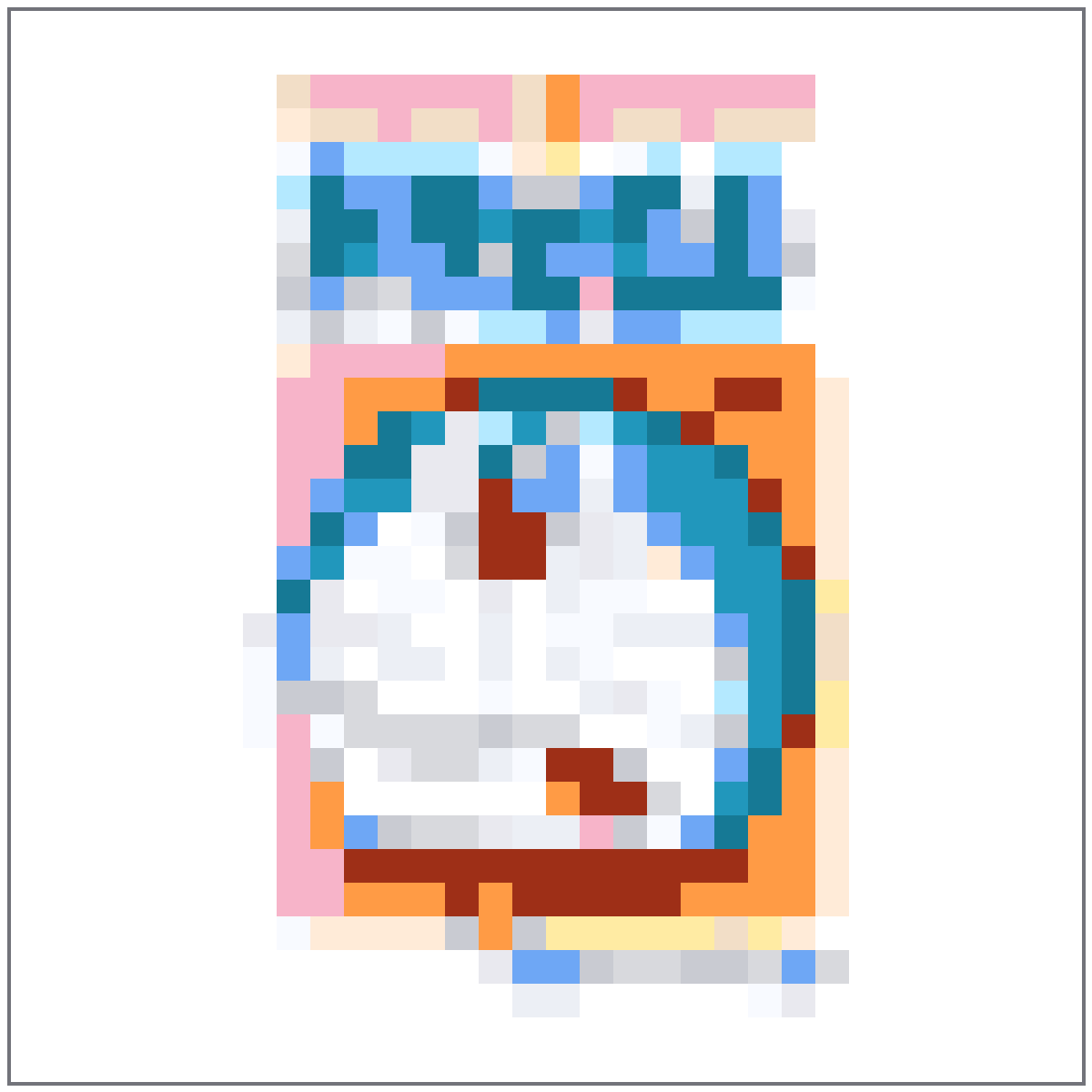
Компактный референс иконки, где синяя голова, белое лицо и красный нос остаются читаемыми.
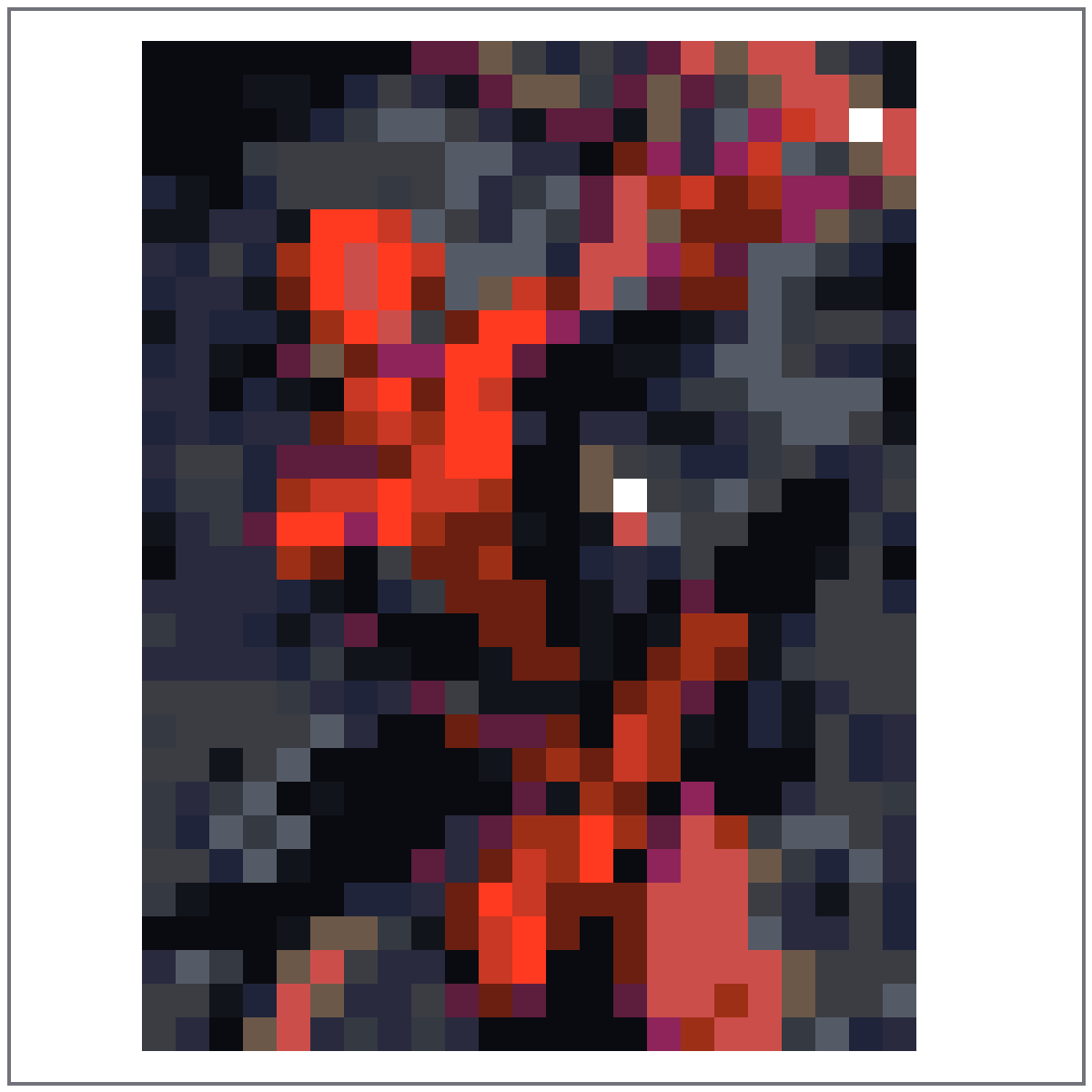
Небольшой референс маски, сохраняющий красные области, темные линии паутины и светлые формы глаз.
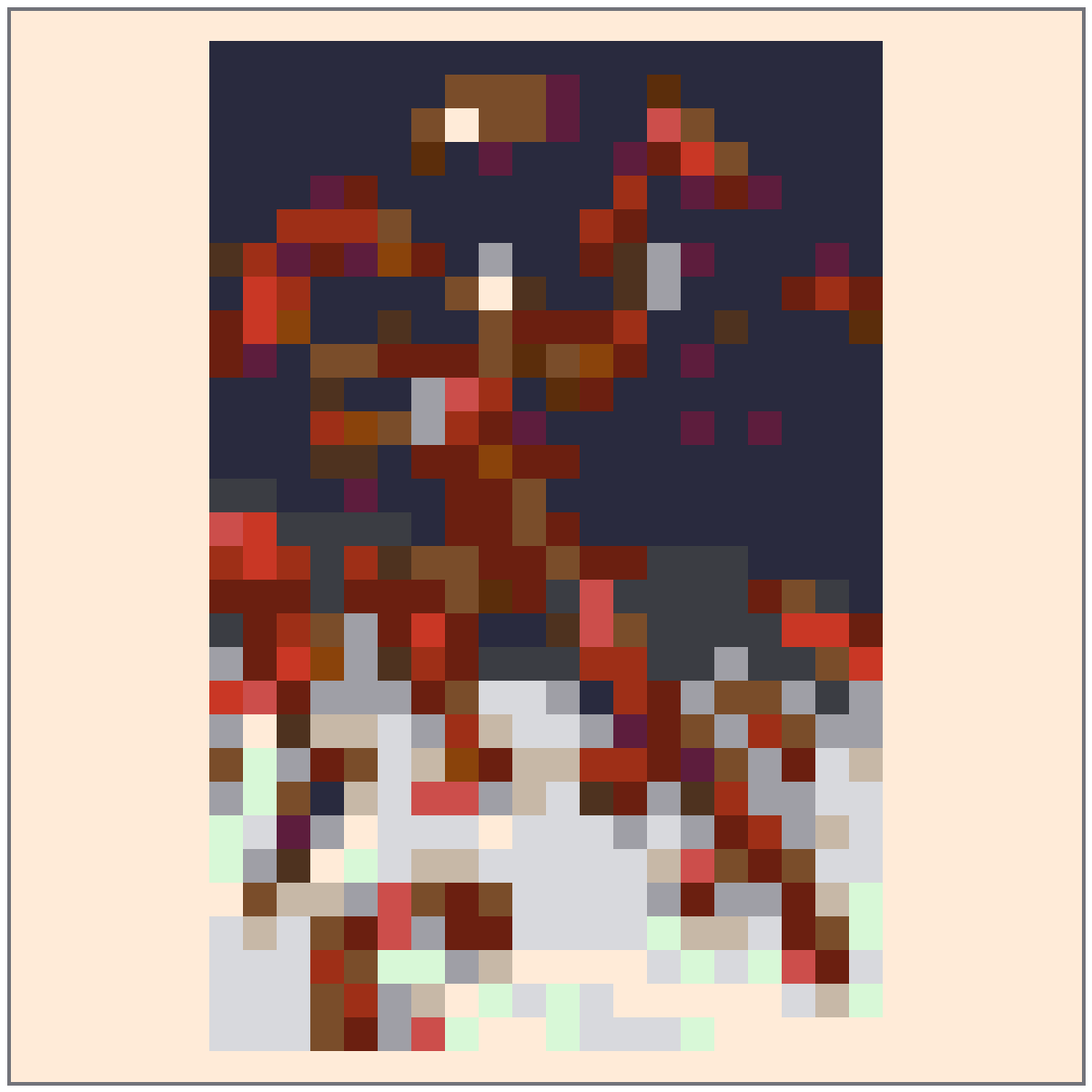
Референс иконки шлема с контрастными красными, золотыми и темными контурными блоками.

Референс круглого щита с четкими кольцами и звездой по центру для быстрого копирования иконки.
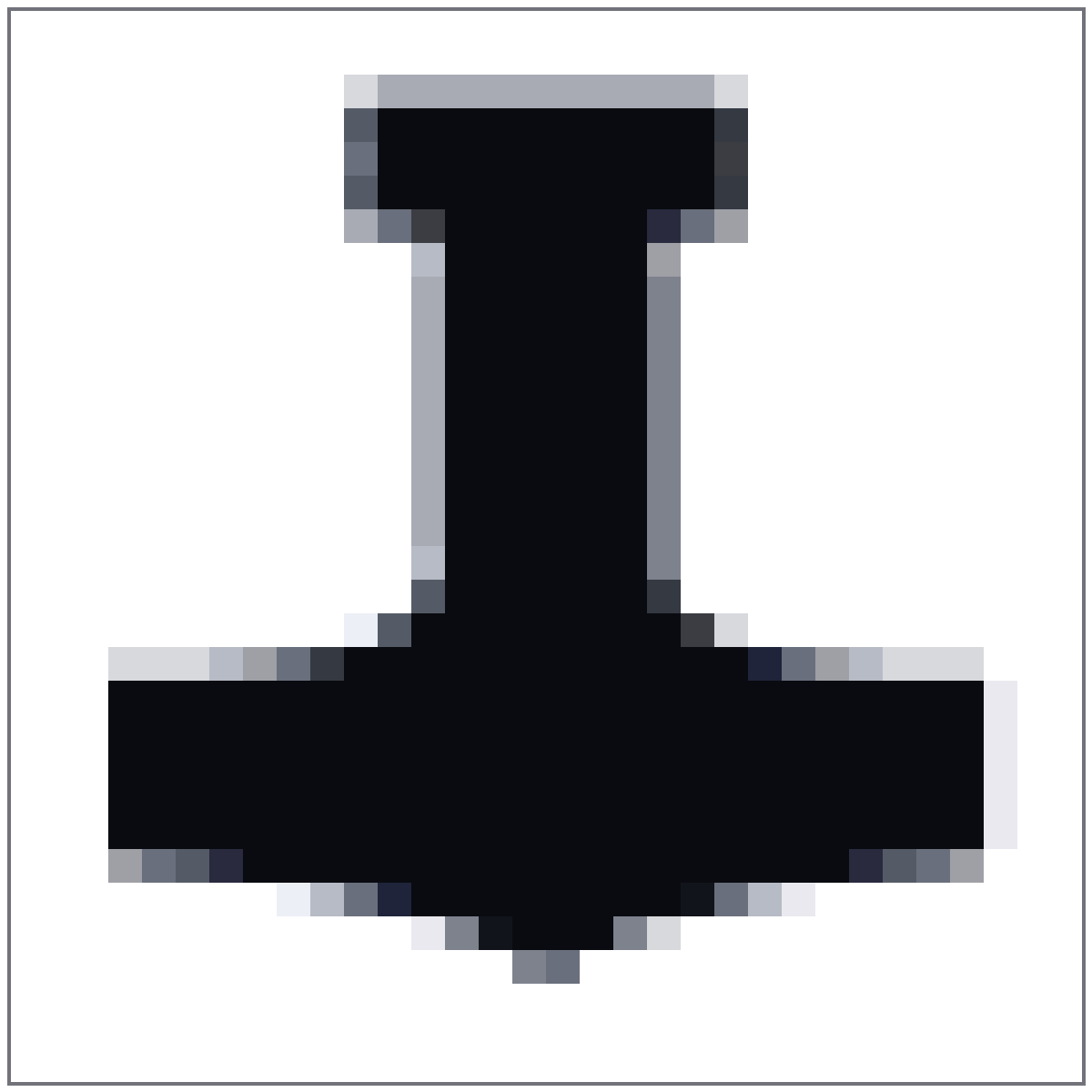
Компактный референс иконки молота с простой рукоятью, металлической головкой и читаемым контуром.
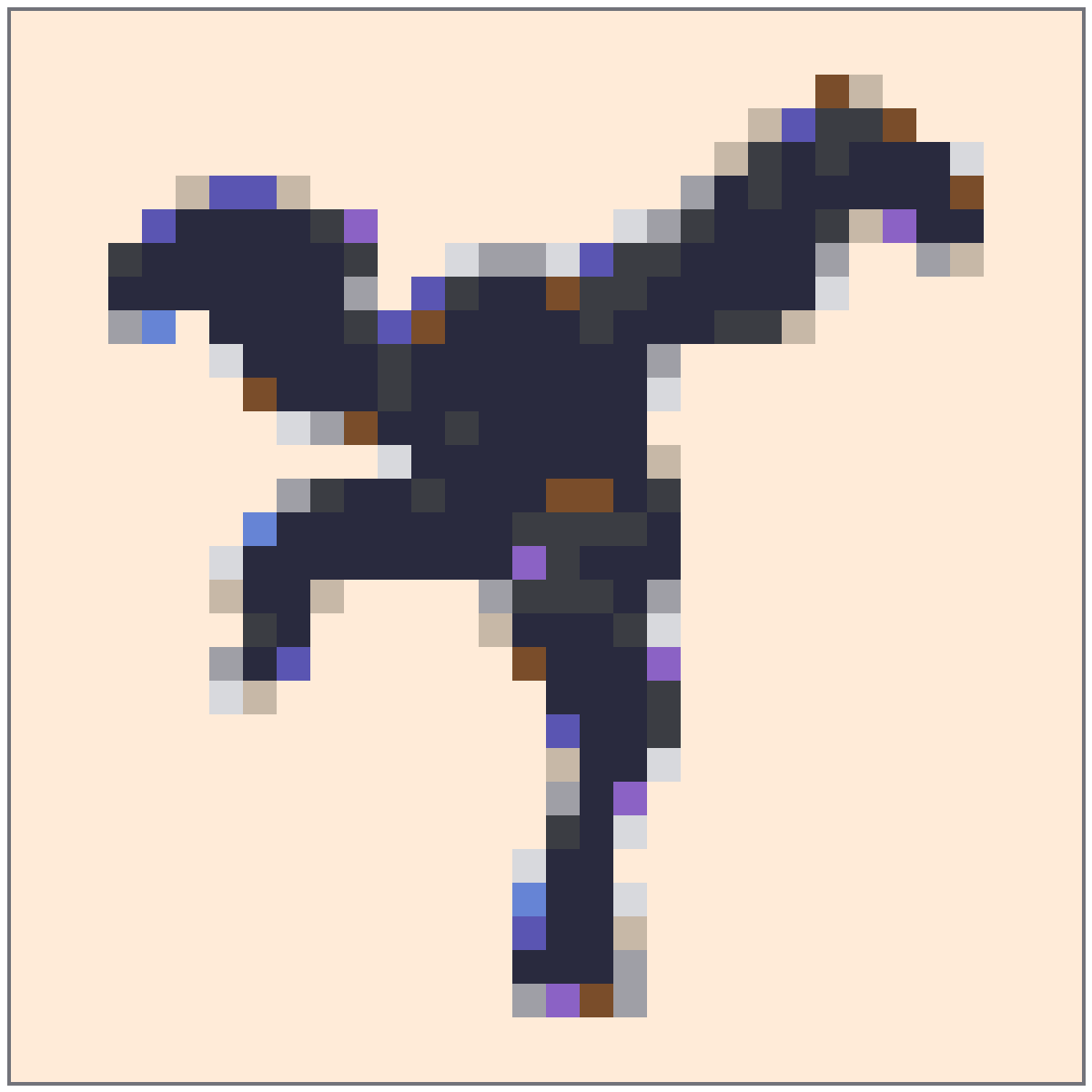
Темный референс маски с четкими пикселями бликов и компактным силуэтом.
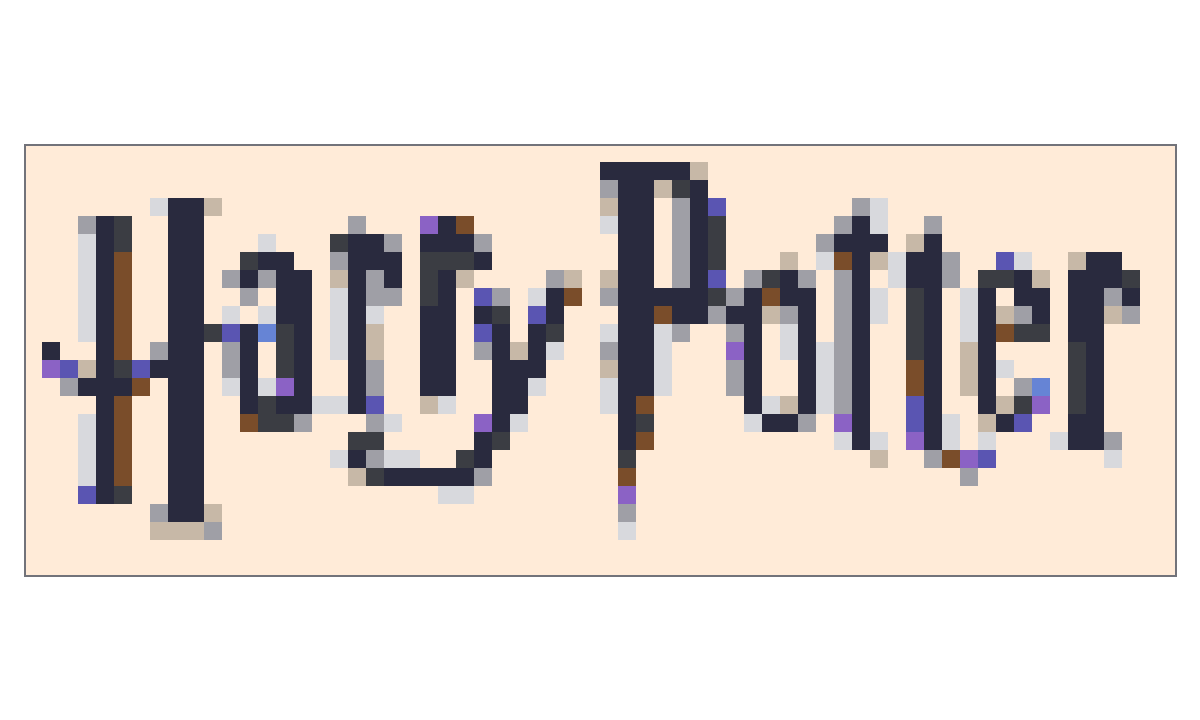
Широкий референс логотипа с темными буквами и светлым негативным пространством для чистого настенного узора.
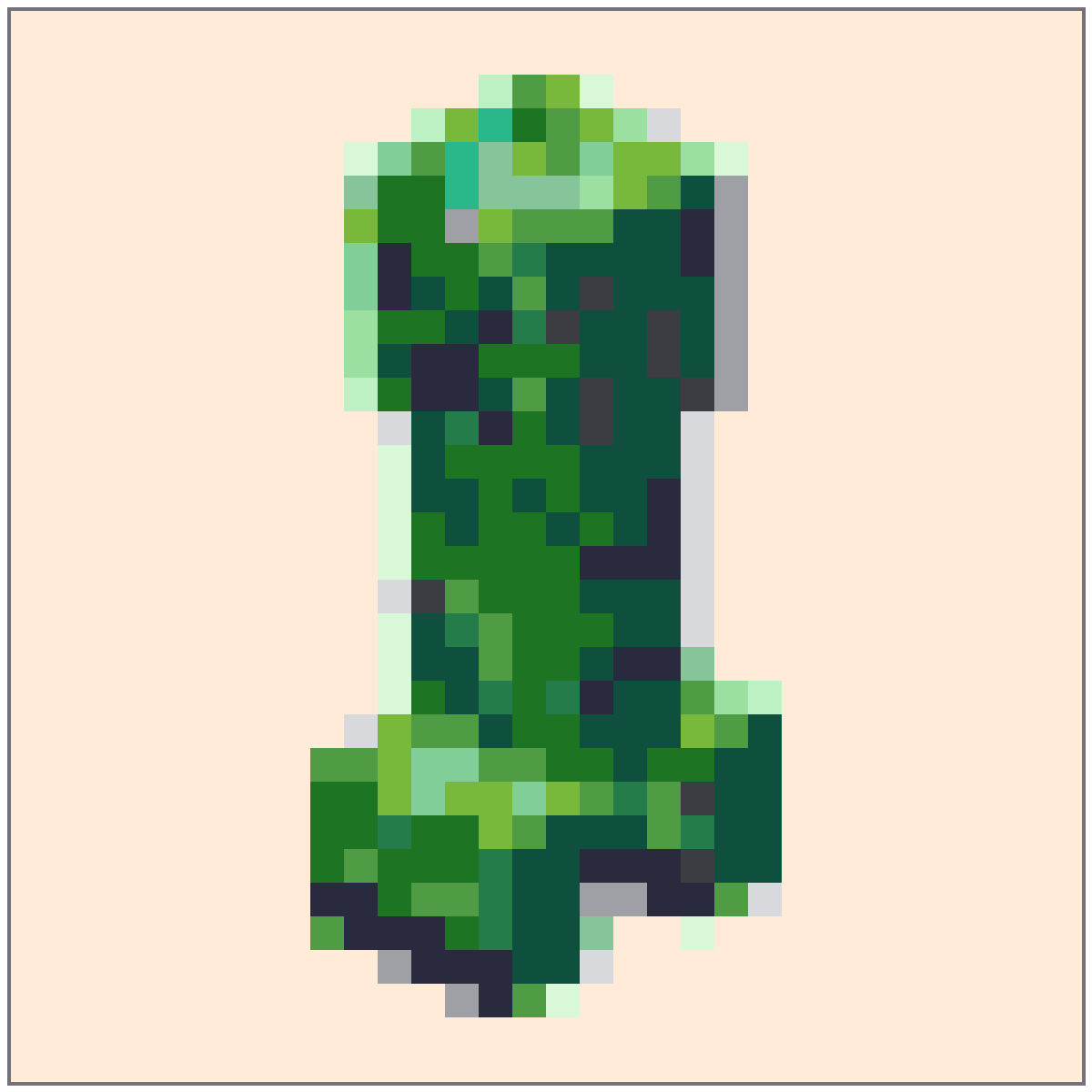
Блочный зеленый референс лица, который естественно ложится на маленькую квадратную сетку иконки.

A bright yellow logo reference simplified into readable word shapes and clean background blocks.
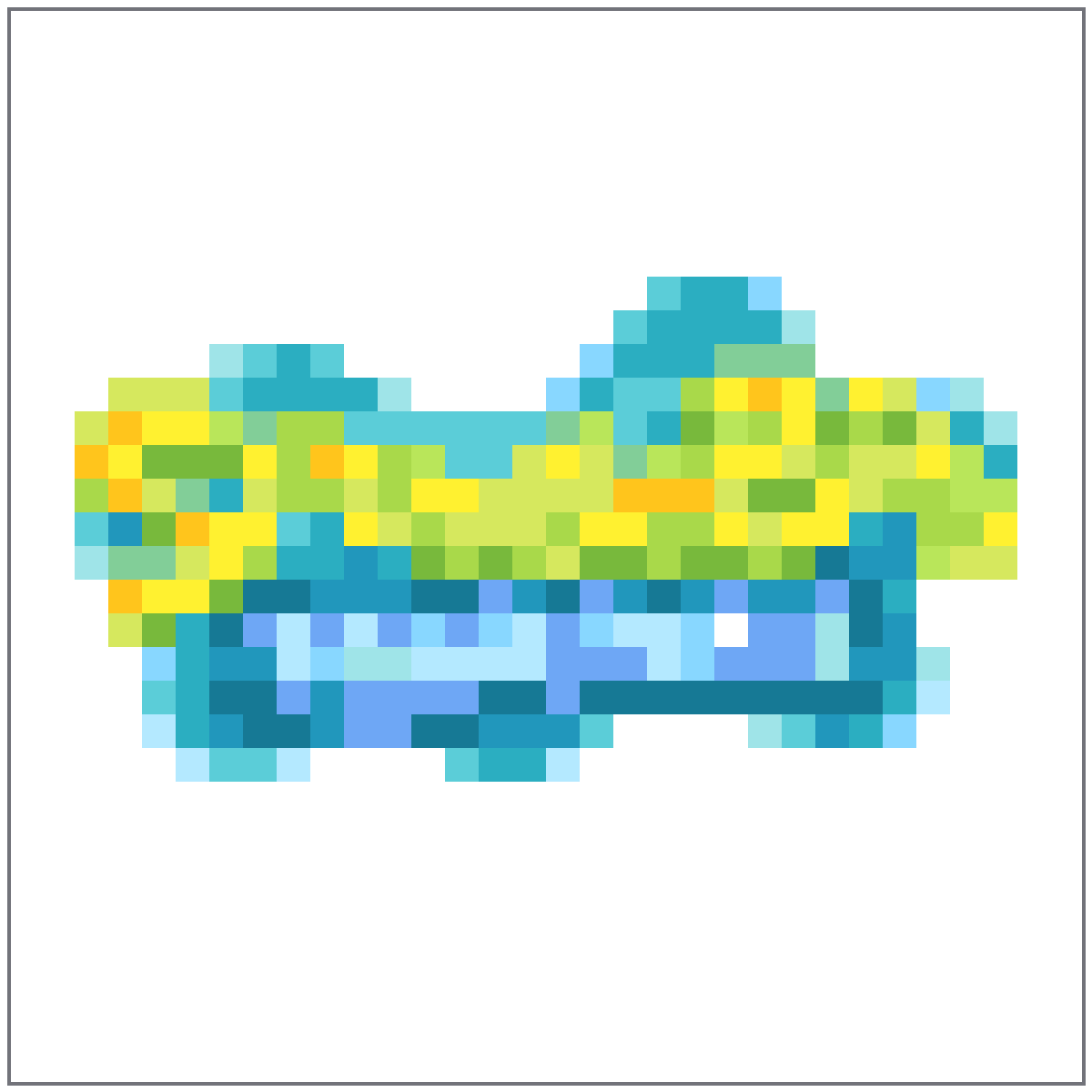
A square title-logo reference with bubbly blue and yellow shapes preserved for small-grid copying.
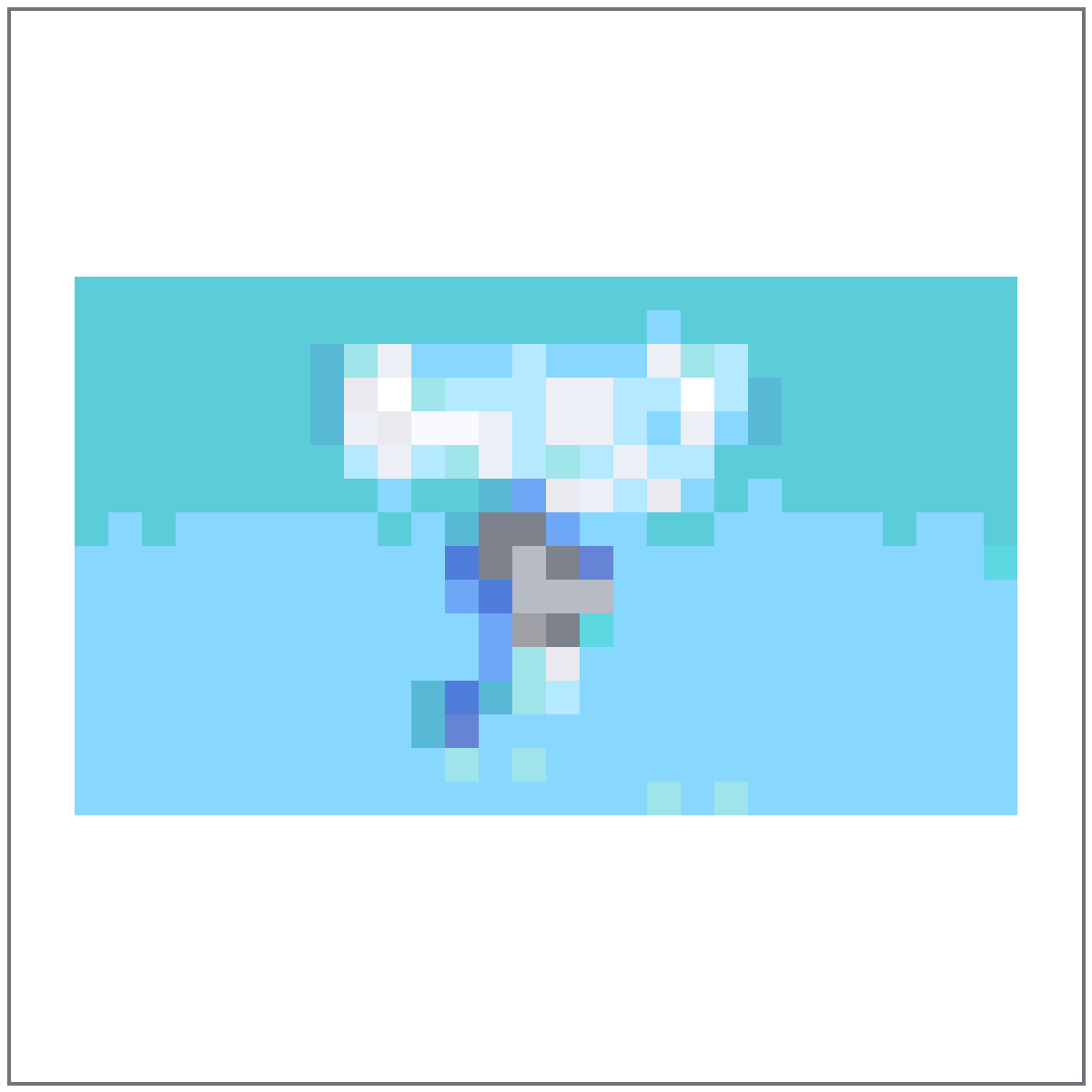
A light blue title-card reference with soft contrast and simple friendly letter shapes.
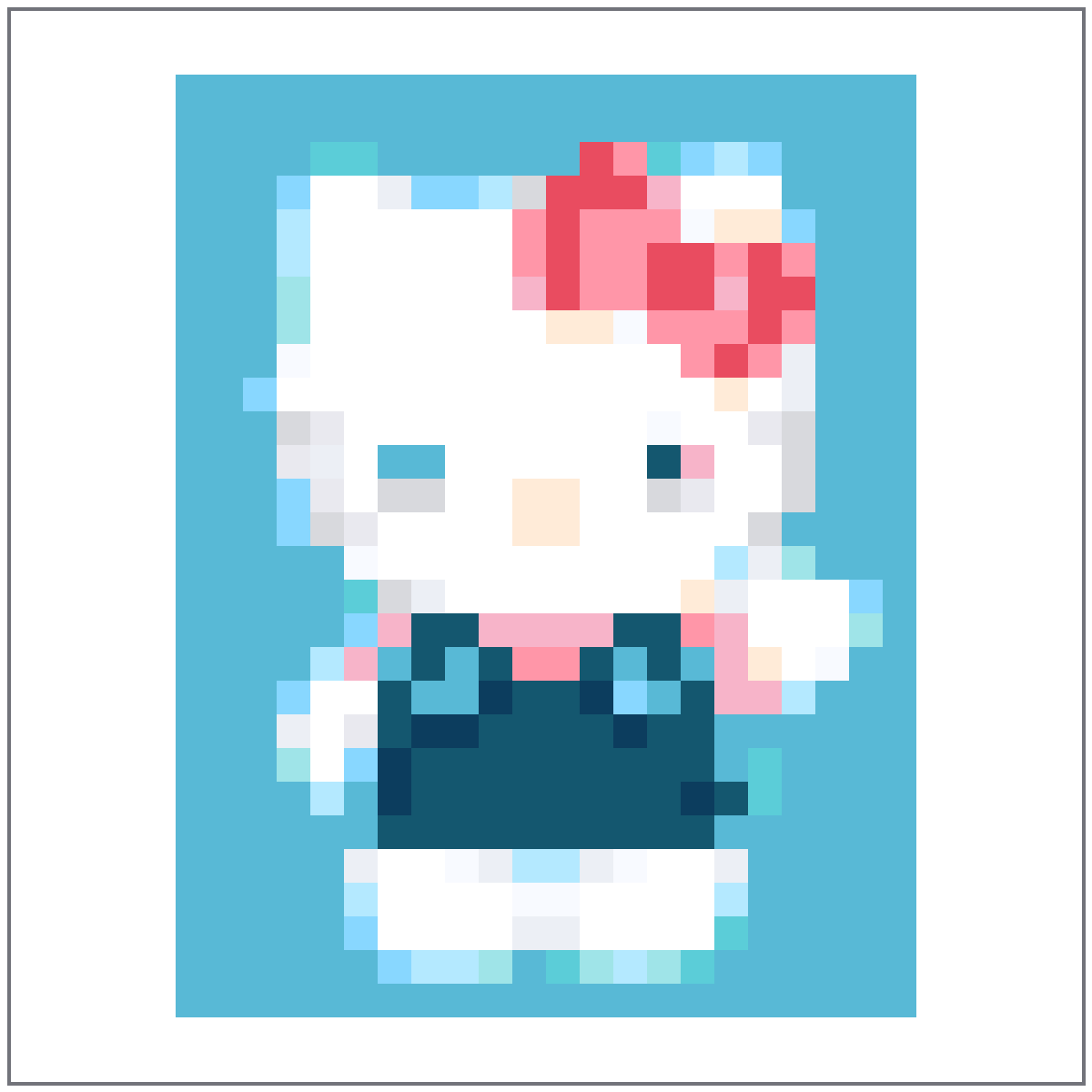
A cute character-face reference with simple white, blue, and pink blocks for fast icon copying.
A clean logo reference with the full wordmark held inside the square canvas instead of clipped at the edge.

A round pink character icon with simple eyes, feet, and outline blocks for a compact square grid.
A wide logo reference with the full wordmark contained for poster or wall-art copying.
A wide animated-series logo reference with the full wordmark preserved against a warm background.
A chemistry-style logo reference with green letter blocks and the full title kept inside the frame.

A teal title-logo reference with thick outlines and rounded letters reduced into chunky pixels.
A curved sci-fi logo reference with orange and purple letter clusters for a wide grid.

A round logo reference with concentric red, orange, and black rings kept legible in pixel form.

A saturated game-logo reference with orange lettering and blue shadows simplified into bold blocks.
A heavy metal-style logo reference with the full wordmark placed on a light pixel canvas.
A fantasy game-logo reference with thin decorative type kept complete on a wide light canvas.

A dark-and-gold game-logo reference centered for a clean wide-format pixel pattern.

A clean emblem-and-wordmark reference with orange, gray, and dark shapes on a light background.
A sharp esports-logo reference with red symbol shapes and compact title lettering.
Use these notes to choose a cleaner source image, pick the right grid size, and avoid noisy Palette House copies.
Маленьким иконкам нужна форма, которая читается даже без мелких деталей. Обрежьте изображение вокруг главного знака и уберите лишний фон.
Most logos, badges, and face icons look cleaner at a smaller size. Increase to 48x48 only when the outline or lettering becomes unreadable.
Use a tighter max-color setting for icons so the finished grid has strong blocks instead of scattered single-cell noise.
Используйте 24x24 для очень простых символов и 32x32 для большинства иконок. 48x48 стоит брать только для детальных логотипов или лиц.
Usually no. Crisp icons and logos copy better with clean flat colors, while dithering can make small shapes harder to follow.
No. These recipes are manual Palette House references. Open an item in Создатель сетки, then copy the numbered or plain grid by hand.