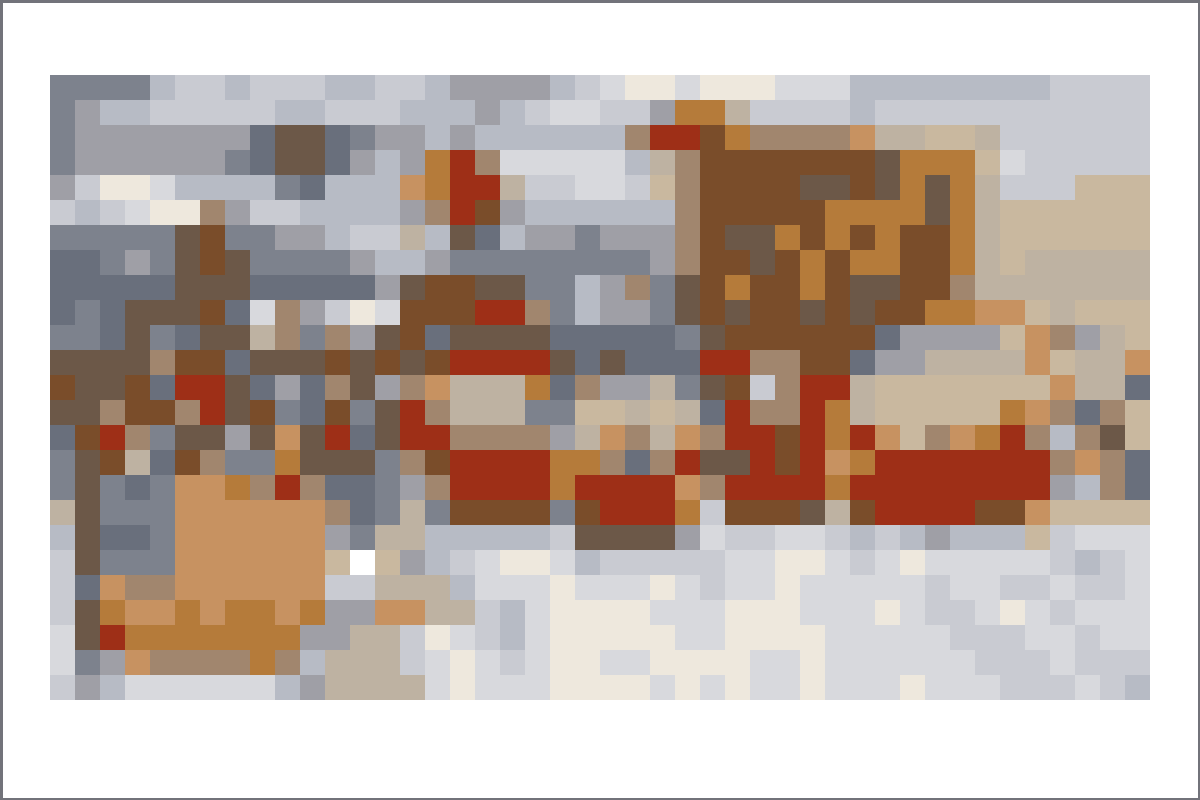
Pick one focal point.
A scene grid should be built around one character, sign, action, or title shape. Remove extra background details before conversion so the copy stays readable.
 Living the GridTomodachi Life Pixel Art Tool
Browse Tomodachi Life scene pixel grids for screenshots, title-card moments, room-style compositions, and multi-character references.
Scene grids need a strong focal point because backgrounds, props, and characters all compete for cells. Crop to the subject first, then use 48x48 only when the scene still reads clearly.
Open any recipe page for grid size, palette mode, copying notes, and a direct Grid Maker setup link.
Use these notes to choose a cleaner source image, pick the right grid size, and avoid noisy Palette House copies.
A scene grid should be built around one character, sign, action, or title shape. Remove extra background details before conversion so the copy stays readable.
Scenes often include shadows, furniture, crowds, or scenery. Reduce those areas into larger color blocks before exporting the final numbered pattern.
Work from the main silhouette outward: subject first, large background blocks second, then small highlights or props at the end.
Use 48x48 for most scene references. If the scene has one bold shape and very little background detail, 32x32 can be cleaner and faster.
Yes. A tighter crop usually improves scene grids more than increasing the grid size, because it gives important shapes more cells.
Choose a bright frame, reduce similar colors, simplify the background, and check the plain preview before copying the numbered pattern.