让脸部区域保持足够大。
当眼睛、发型和下颌线有足够格子时,头像网格效果最好。先收紧裁剪,再考虑放大整个网格。
 网格生活朋友生活像素画工具
Open any recipe page for grid size, palette mode, copying notes, and a direct 网格制作器 setup link.
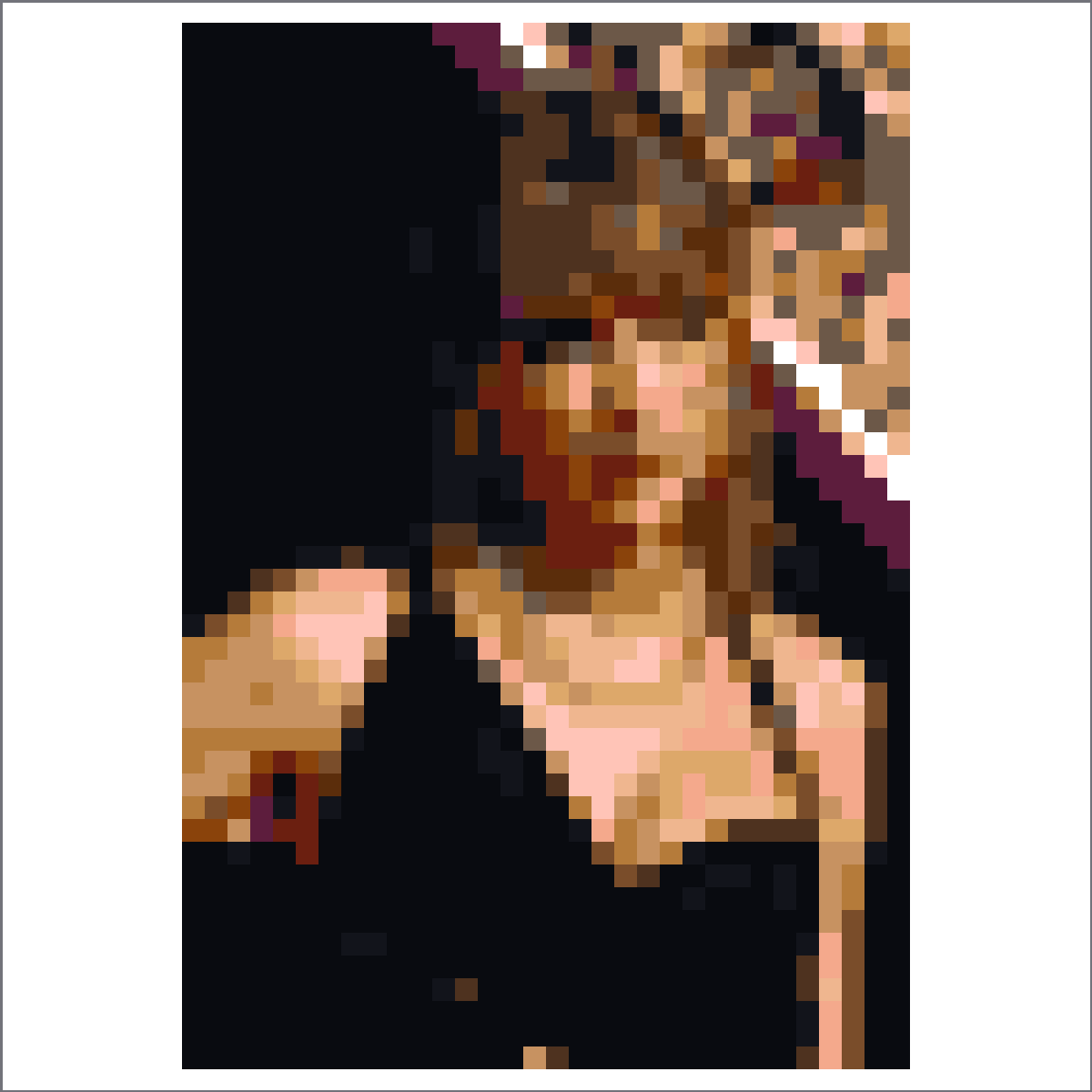
处理后的像素肖像参考图,面部对比强,带柔和舞台照片色调。
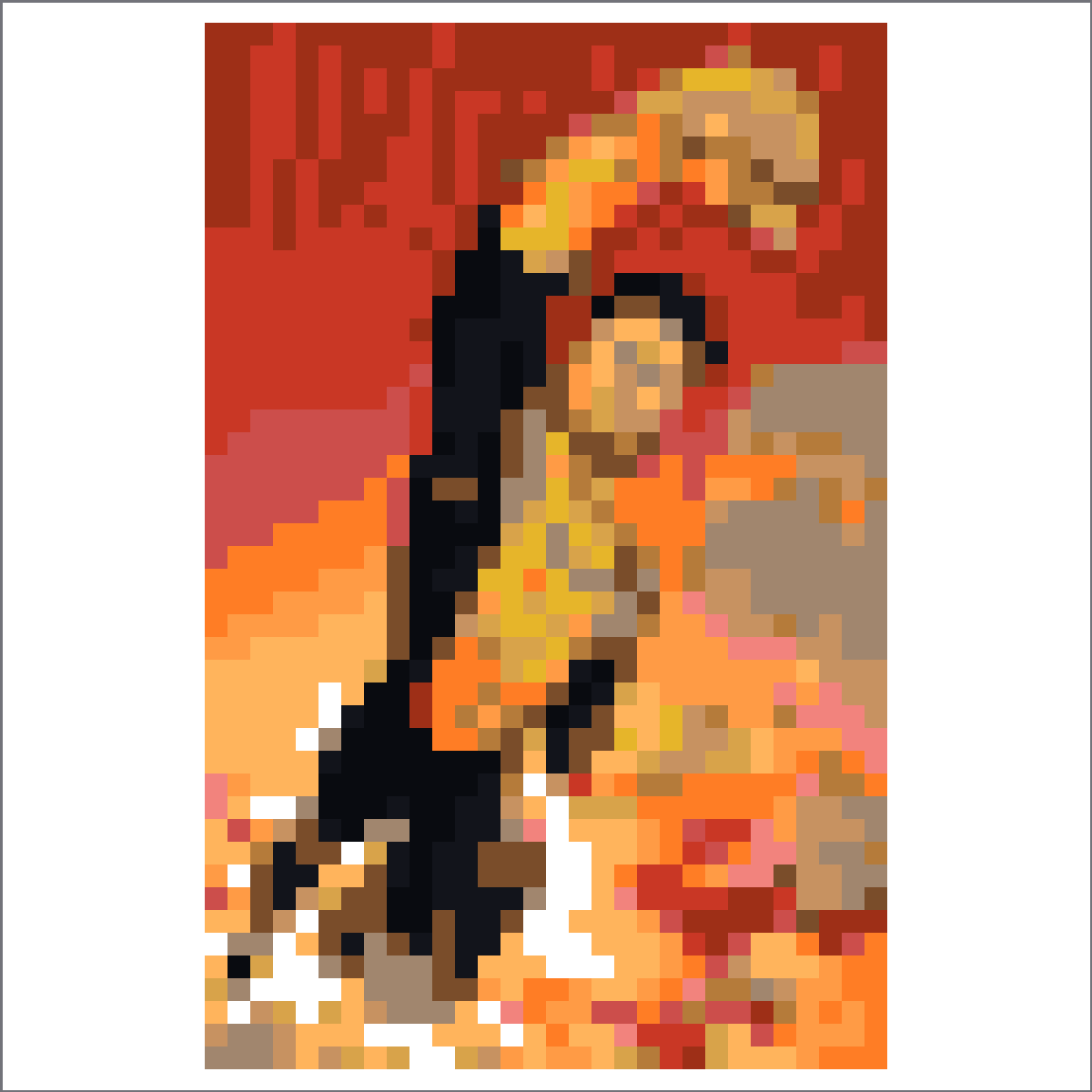
超级英雄肖像参考图,把黄色和蓝色战衣色块简化到方形网格中。
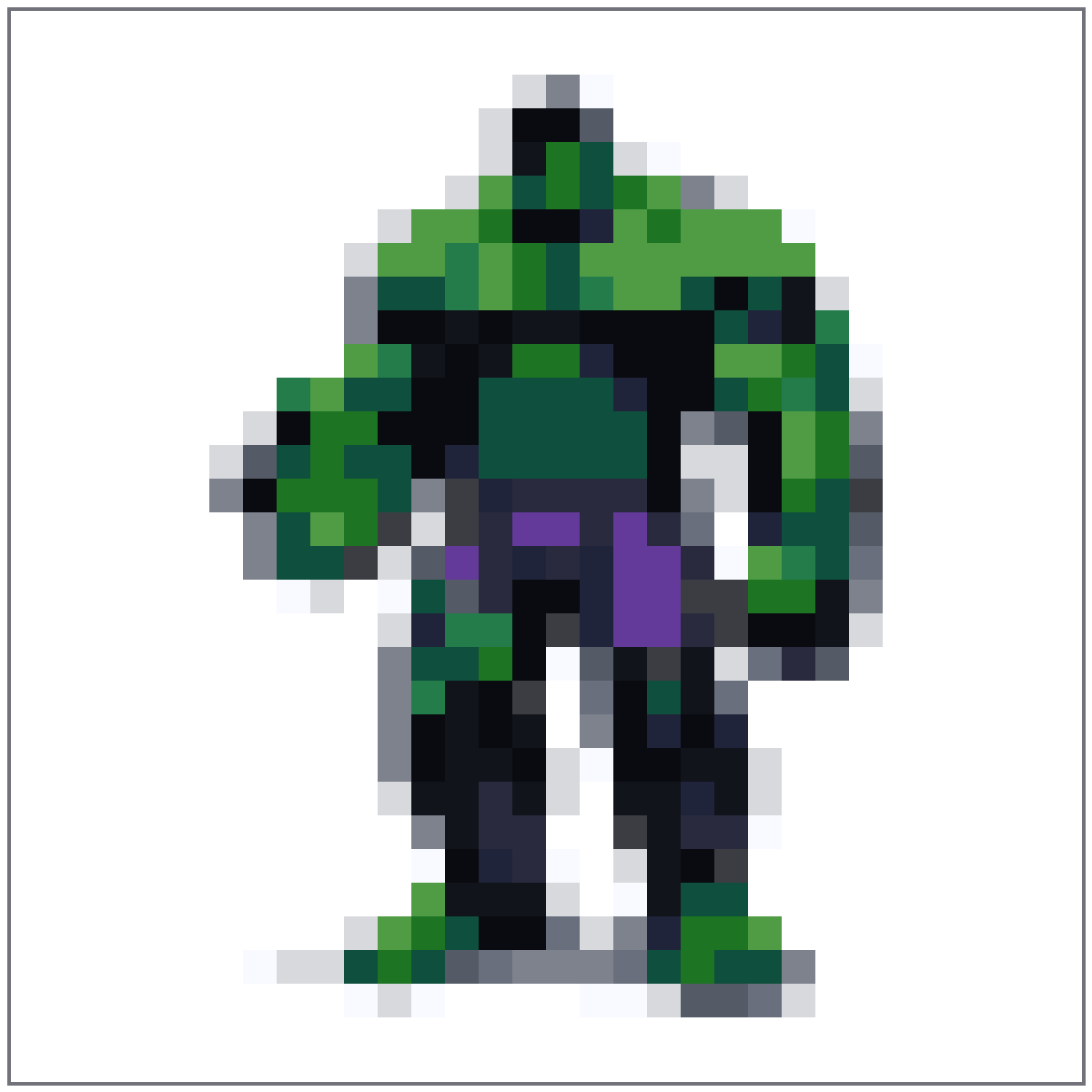
绿色角色全身参考图,头部、肩膀和站姿都保留在网格内。
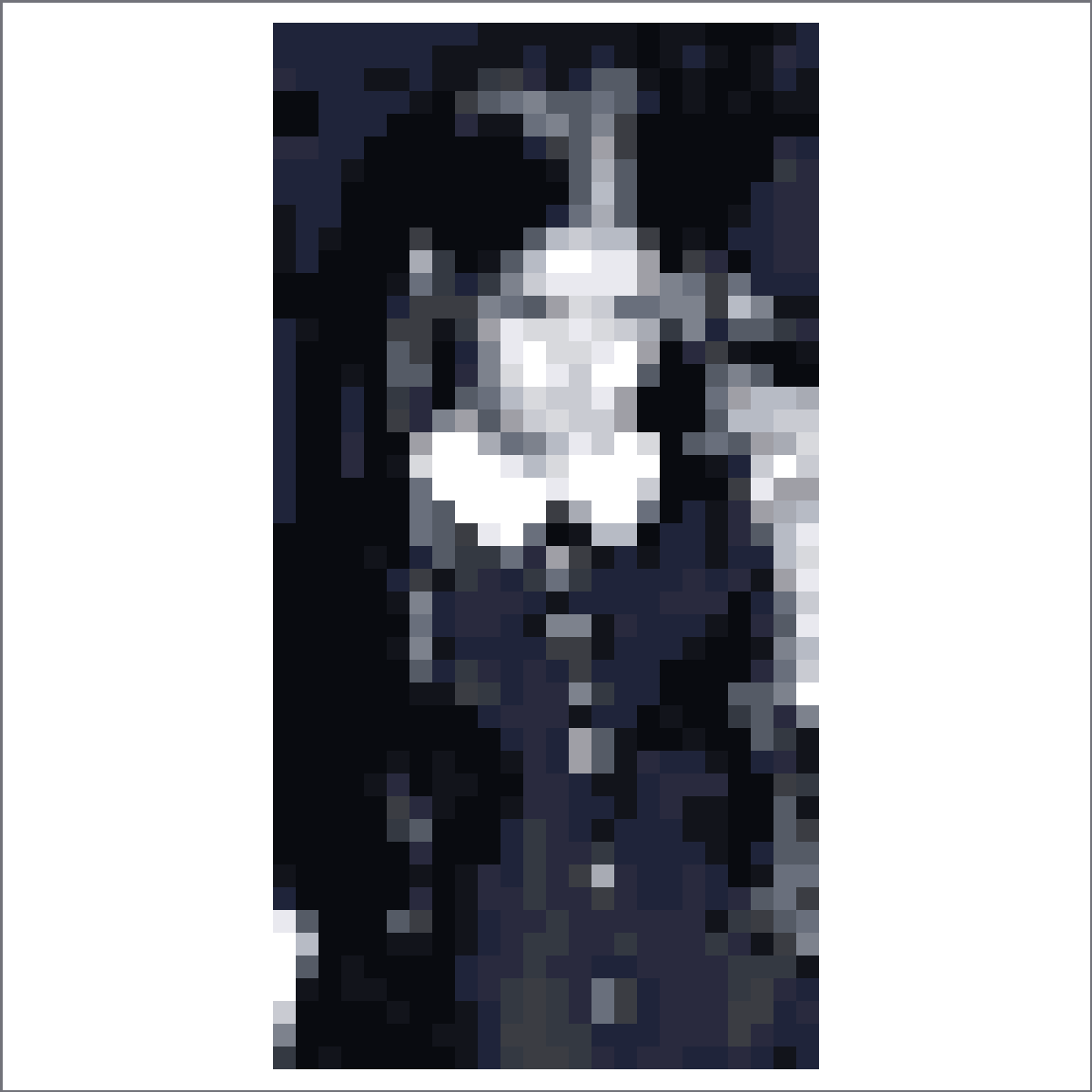
单色肖像参考图,包含厚重阴影块和清晰衣领形状。
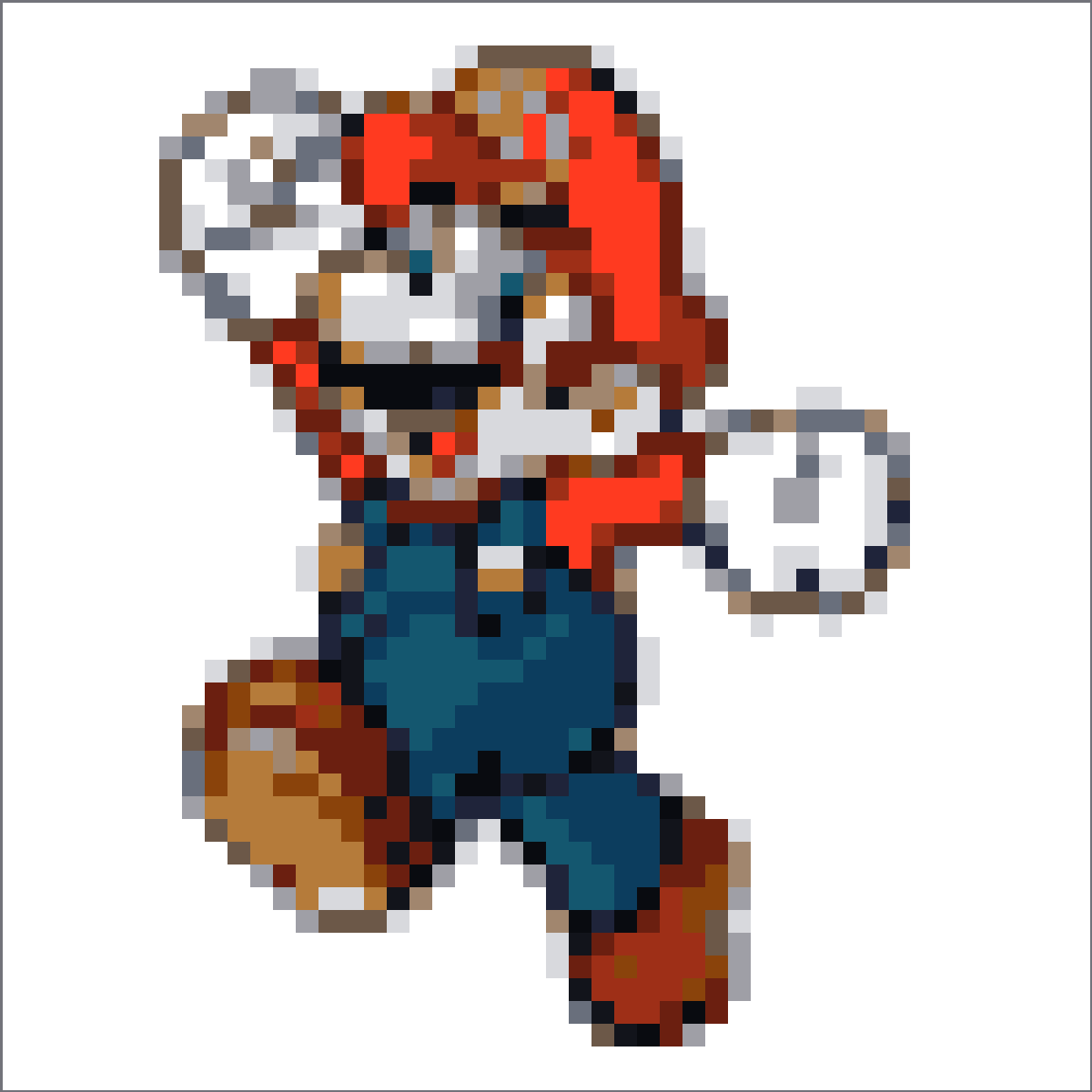
方形角色参考图,保留红帽子、蓝背带裤和动作姿势的可读性。
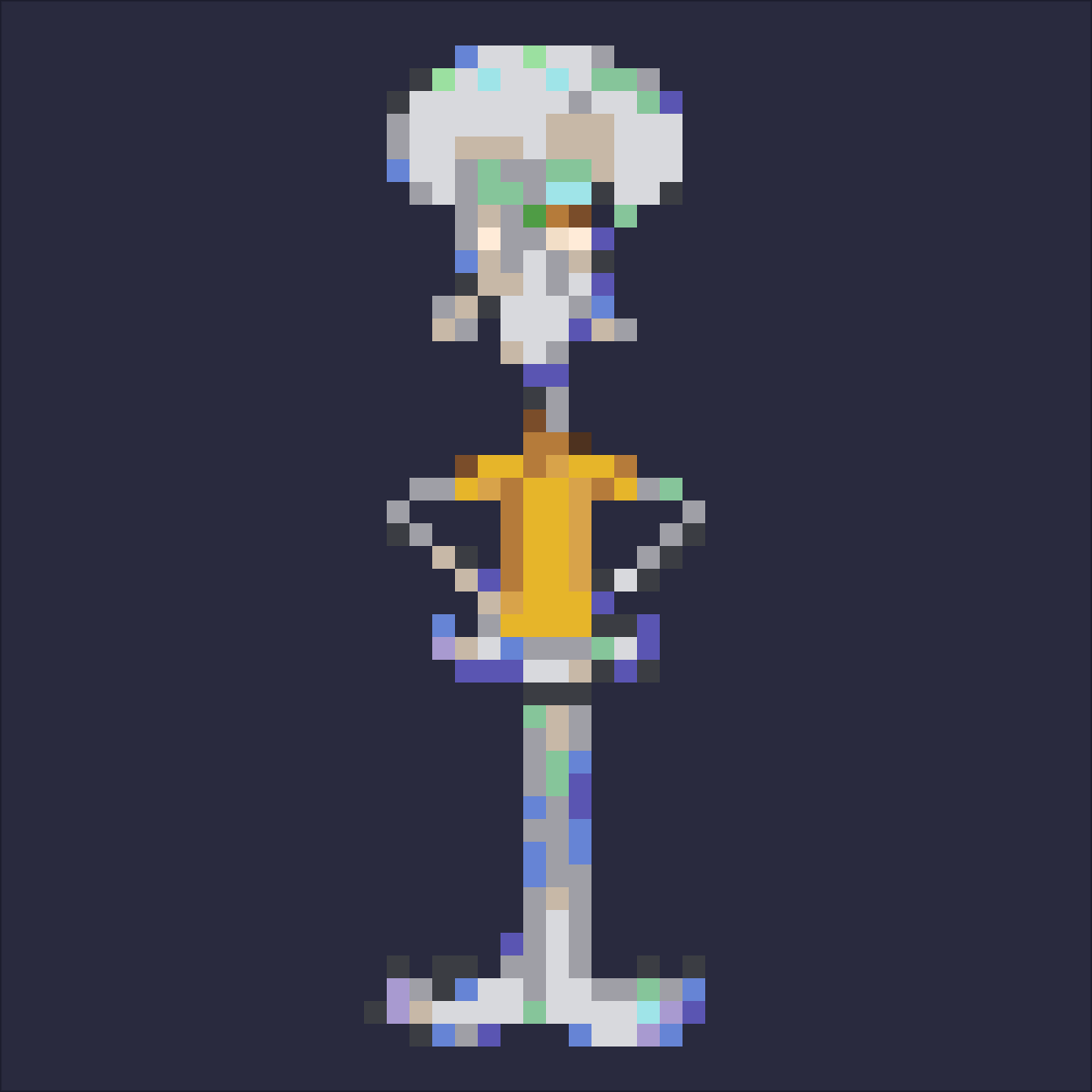
A full-body character reference with a black background, orange shirt, long limbs, and a copy-friendly stance.
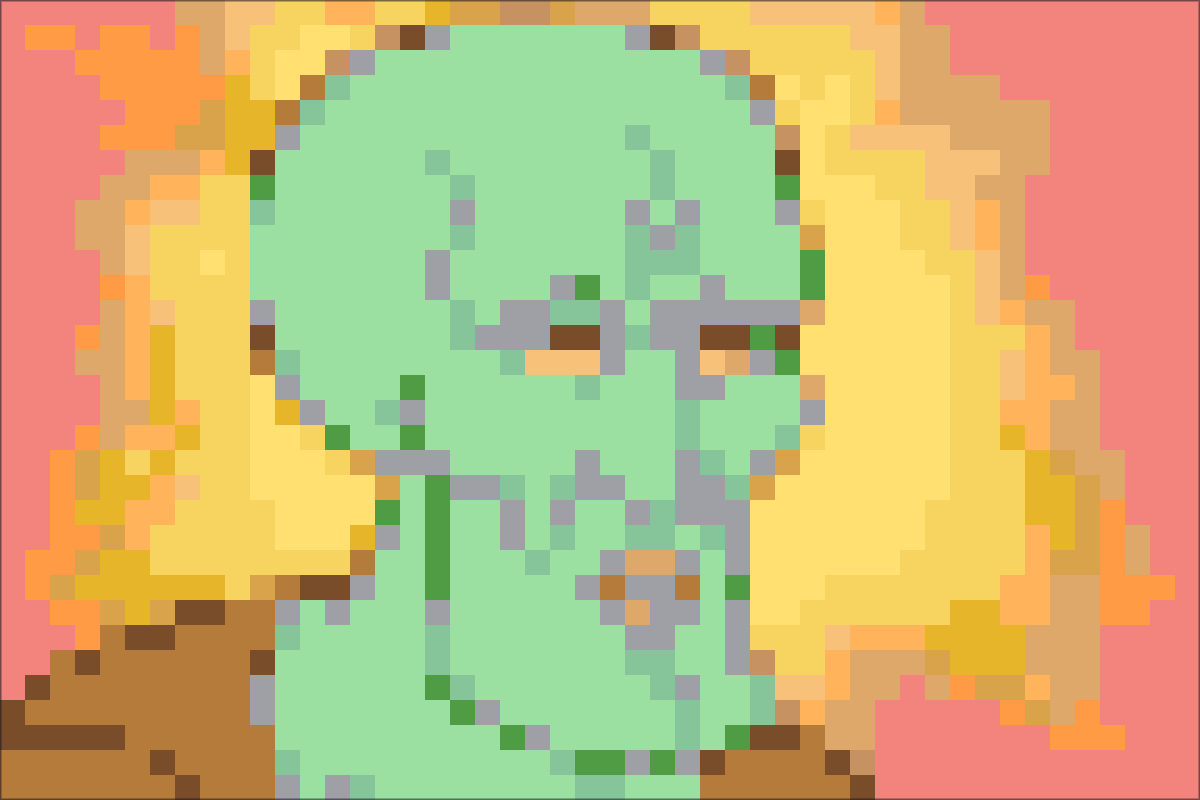
A goofy close-up portrait reference with dramatic facial blocks and a warm radiant background.
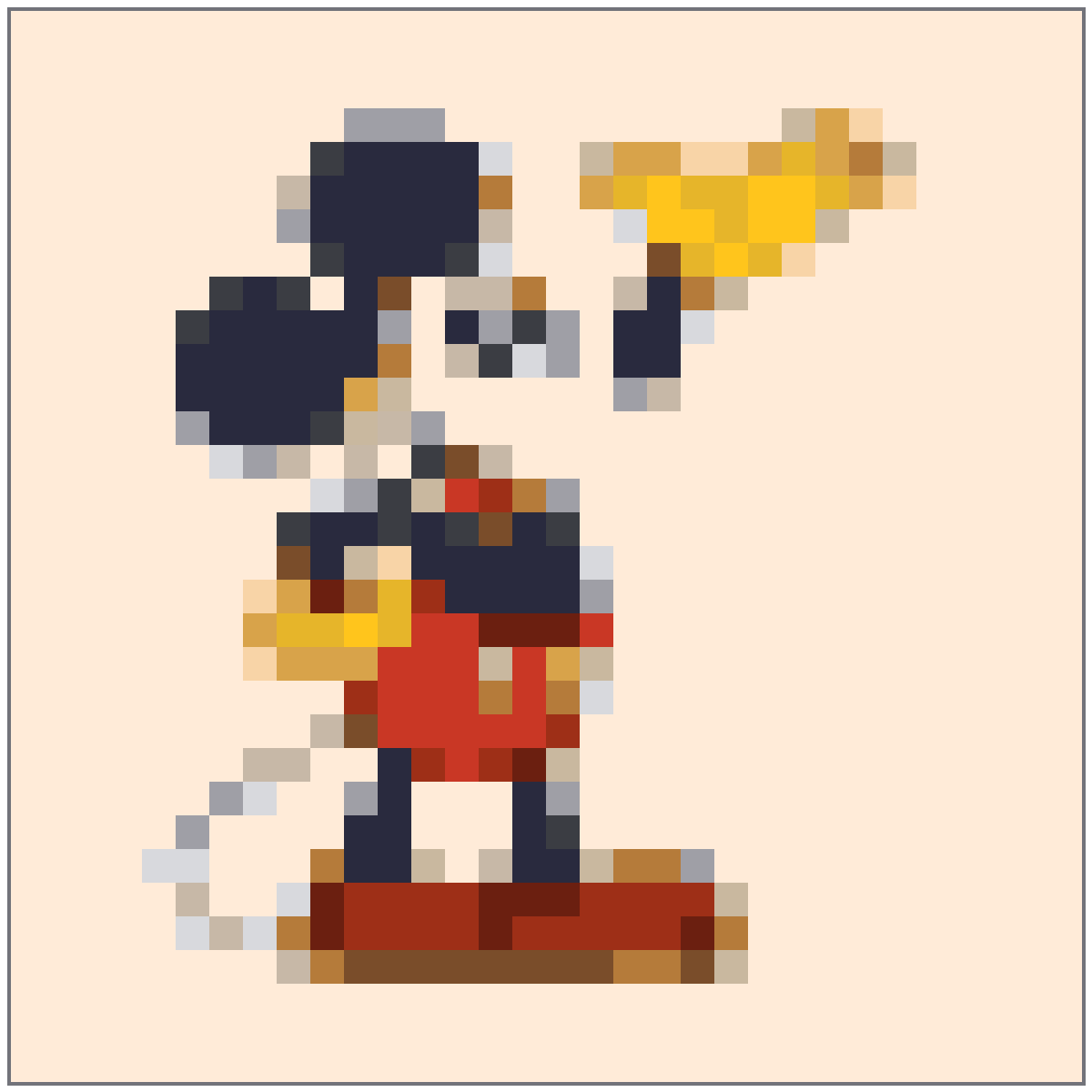
经典角色姿势参考图,保留耳朵、手套、短裤和鞋子的识别度。
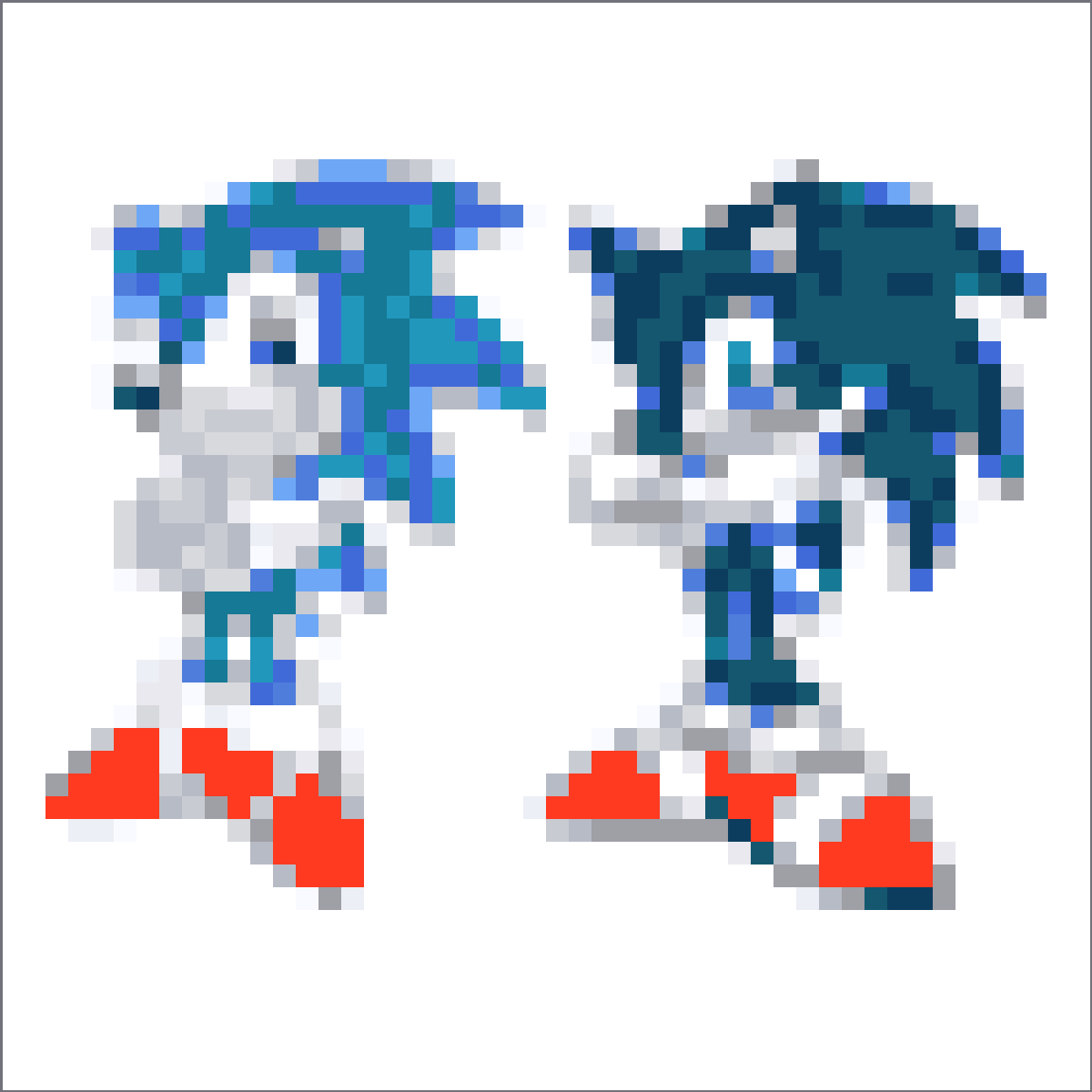
双角色参考图,把蓝、黑、白、红色形状分开处理,让方形网格更清楚。
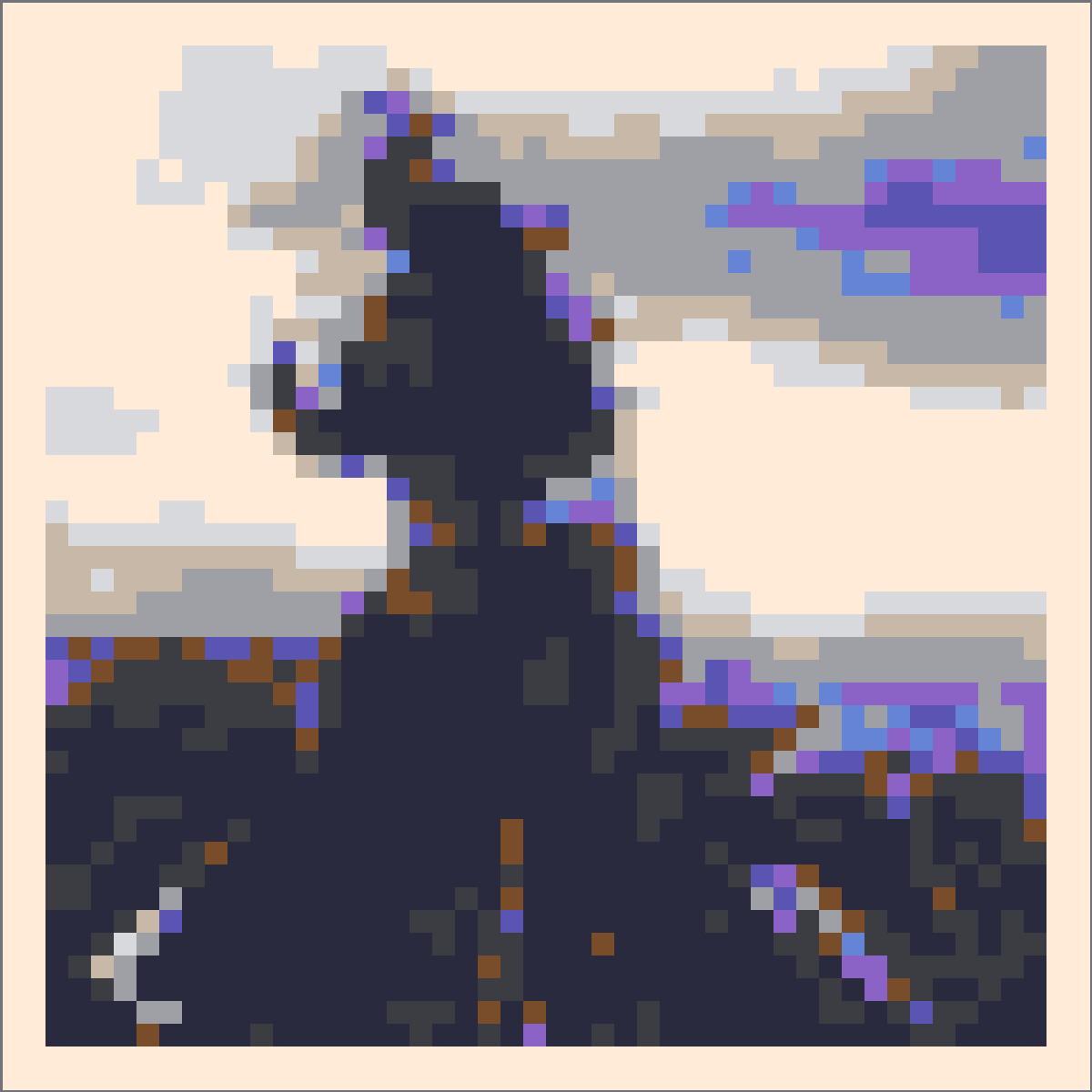
氛围感怪兽剪影参考图,将烟雾和天际线色调压缩成清晰深色色块。
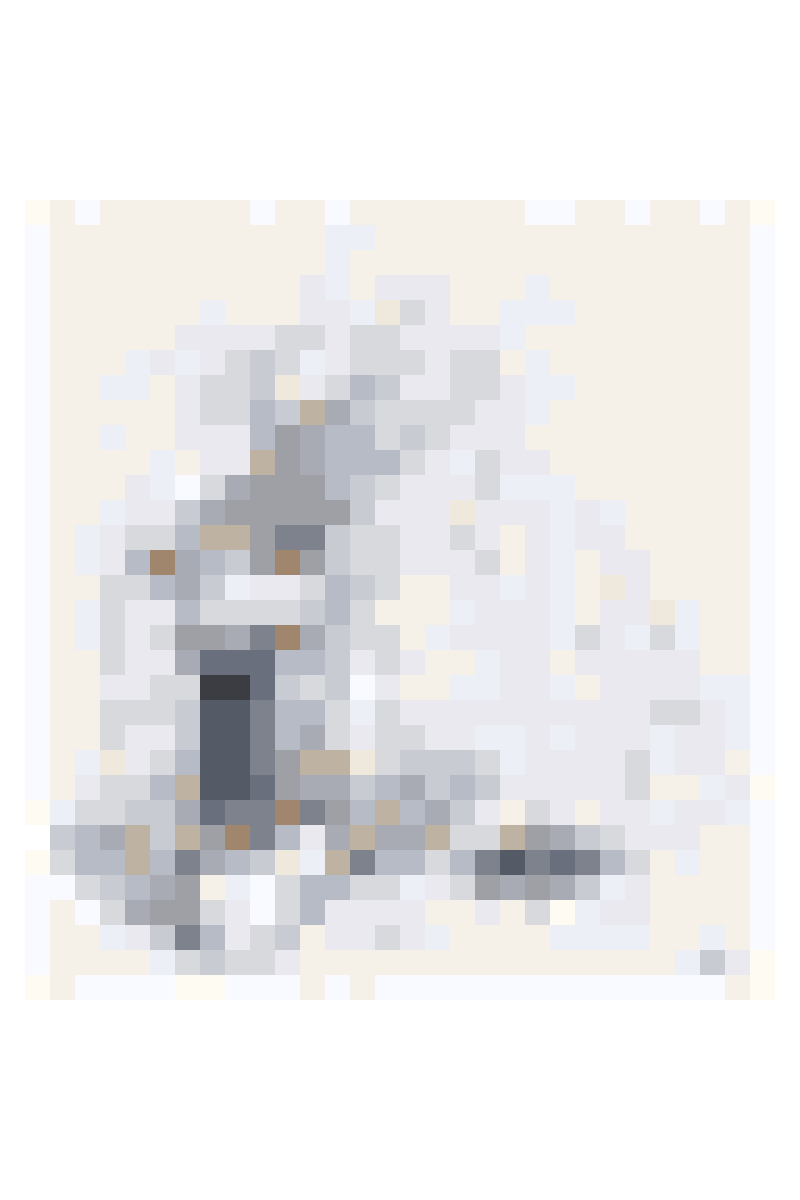
柔和手绘参考图,保留完整形体,并转换成安静的灰蓝色像素。
Use these notes to choose a cleaner source image, pick the right grid size, and avoid noisy 调色屋 copies.
当眼睛、发型和下颌线有足够格子时,头像网格效果最好。先收紧裁剪,再考虑放大整个网格。
Too many near-identical skin tones make portraits slow to copy. Reduce the color count until the face still reads but the palette stays manageable.
Copy the outline, hair block, face area, and clothing in separate passes so one misplaced row is easier to spot.
简单脸部和全身剪影使用 32x32;当眼睛、头发或服装细节需要更多结构时,使用 48x48。
Crop closer, lower the max colors, and clean stray pixels before exporting. A simpler face usually copies better than a noisy high-detail conversion.
Yes. Treat them as manual references: open the recipe in 网格制作器, adjust the crop or palette if needed, then copy the grid by hand.